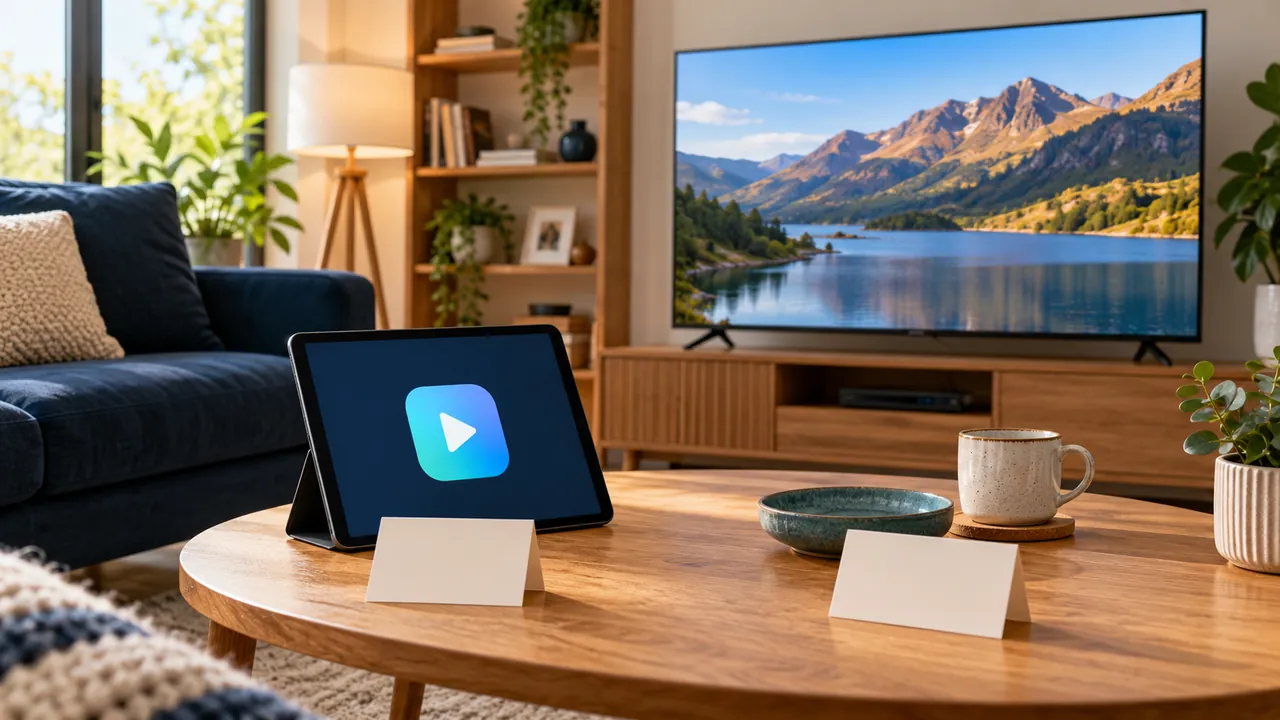
Identify the function of each purchase
The player is the software interface used to open supported media. A content subscription supplies access to an authorised service. A television or streaming box is the hardware. These roles can be sold separately even when an installation guide presents them as one viewing experience.
Write down who receives each payment and the benefit promised. An app activation might unlock that player’s features without adding any television rights or extending the service account. Do not infer included content from the price of an app.
Read activation and recurring terms carefully
A player can have a free download, an activation charge, an optional paid edition or a recurring purchase. The available arrangement depends on the actual developer and platform. Review the verified listing and purchase confirmation before entering payment details.
Keep the amount, currency, term and account used for the purchase. A new television or operating system may have different licence conditions. Ask the developer about transfer or recovery instead of assuming a second purchase is always required.
Use the symptom to choose the right support route
If the app itself says its activation has expired, the player developer may need the relevant receipt. If the app opens but service access fails, the provider may need to check the subscription. Network and format problems can require another investigation entirely.
Describe what you can and cannot do rather than sending all credentials to every organisation involved. Start with the exact message, model and version. Use a verified secure process if a legitimate support team needs more information.
Confirm the full setup cost before committing
Ask whether a displayed service price includes any player charge, extra connection or setup assistance. If the answer is not explicit, treat it as unresolved before payment. A lower headline service price does not describe the complete cost of every possible installation.
Our UK plan figures are fixed-term GBP prices, with availability and final terms to confirm. They should not be interpreted as a promise to reimburse or include an unrelated developer’s app purchase. Clear separation protects both the buying decision and the later support conversation.
Official references
Device menus, app availability and features may change. Check the current publisher instructions for your exact device.
Frequently asked questions
Does paying for a player include channels?+
No. A software purchase alone does not establish content access or distribution rights.
Who should I ask about an app licence transfer?+
Start with the verified player developer and the purchase platform, using the relevant receipt.
Continue exploring

Let’s check your requirements
Send your device and plan questions. Availability, authorised content and the final service terms must be confirmed before payment.