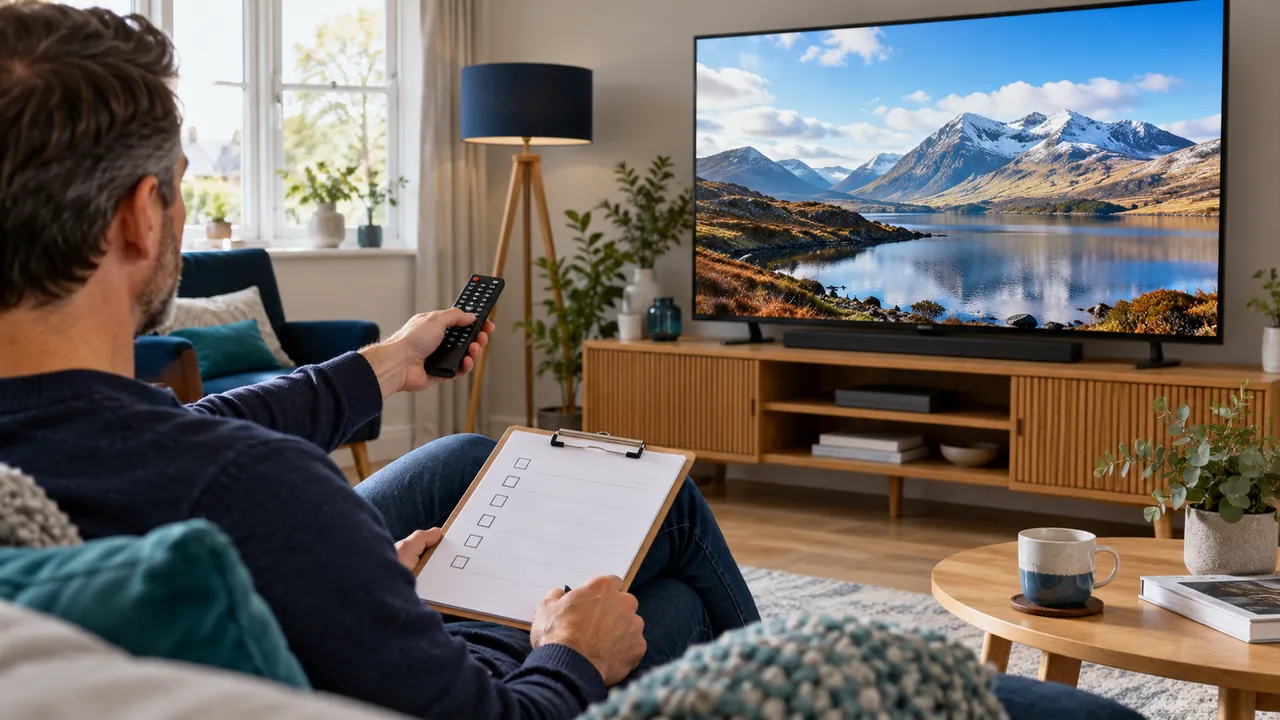
Confirm what the trial actually covers
Before testing, ask about the available period, permitted connections, device support and included authorised content. A request form is not an activated account, and a trial may not expose every feature of a later paid plan. Write down the confirmed scope so you do not judge an unavailable feature as a fault.
Keep any access details private. The scorecard should describe observations, not contain a password or full playlist URL. Use a separate protected place for the information needed to sign in.
Test the viewing routine, not just one opening screen
Use the actual device, seating position and network you intend to keep. Try starting a programme, switching within the permitted catalogue, reading the guide and finding sound or caption controls. Note what a second household user can do without assistance.
Test at a normal viewing time where the trial terms allow it. A short successful session is useful, but it cannot guarantee every future source or network condition. Record the duration and circumstances rather than treating one impression as a permanent quality verdict.

Record outcomes with a reason
Use simple labels such as works, needs help and not available, followed by a short explanation. Distinguish an unsupported feature from a feature that should be present but fails. Include device and player versions where they affect the result.
For a problem, make one controlled comparison and note it. Repeatedly changing apps, networks and devices at once produces a less useful scorecard. Ask support a focused question while the trial is still available if a key requirement remains unclear.
Make the purchase decision from confirmed needs
Review the full cost, connection allowance, content rights and final terms alongside the practical results. A familiar interface is helpful, but it does not replace checking the seller and the actual subscription conditions.
Keep the scorecard and written confirmations privately. Choose a term you understand rather than relying on a promotional claim that the test did not establish. The purpose is an informed decision about your own setup, not a generic ranking of services or a promise of uninterrupted playback.
Official references
Device menus, app availability and features may change. Check the current publisher instructions for your exact device.
Frequently asked questions
Does a good trial guarantee all future viewing?+
No. It provides evidence about the tested setup and conditions, not a guarantee of future sources or network performance.
Should a missing feature automatically count as a technical fault?+
First confirm whether the trial was meant to include it and whether your device supports it.
Continue exploring
Let’s check your requirements
Send your device and plan questions. Availability, authorised content and the final service terms must be confirmed before payment.