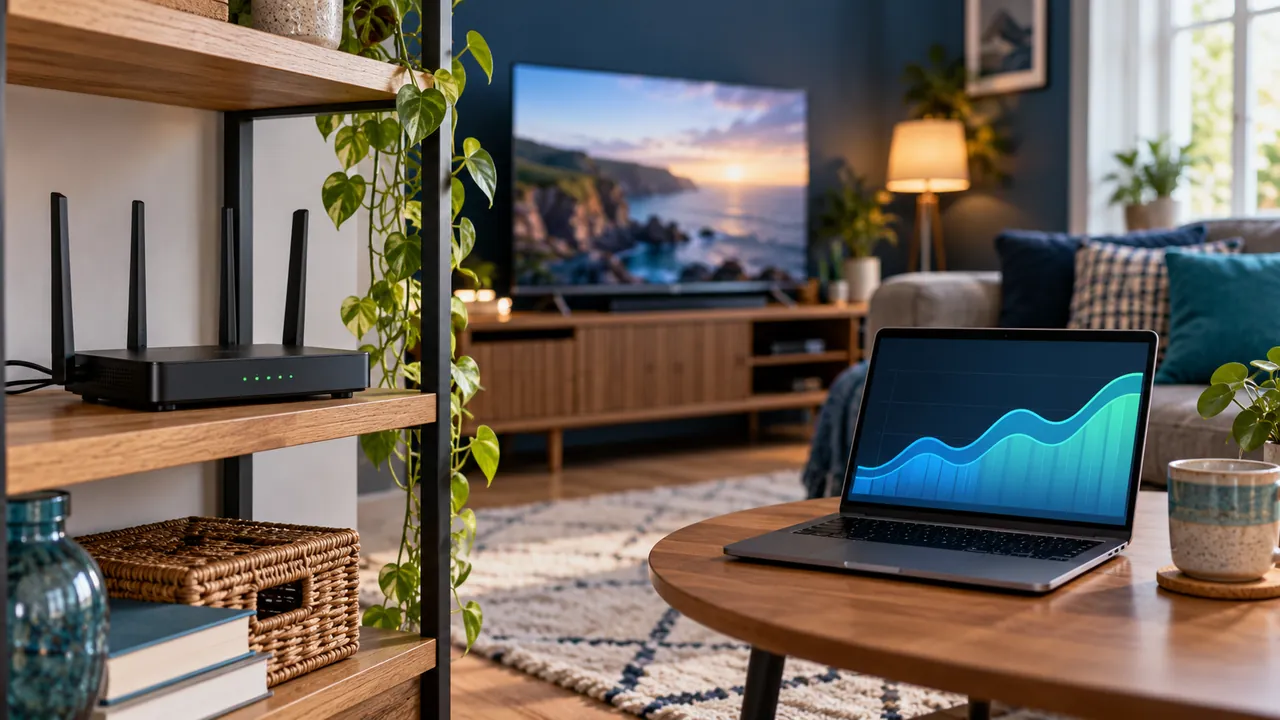
Separate the two parts of the connection
Your broadband service brings connectivity to the home, while the local network carries it to a television or streaming device. A fast service can still feed a device through a weak wireless link. Equally, excellent Wi-Fi cannot provide capacity that the broadband service itself does not have.
Draw the path for your setup: incoming service, router, any intermediate equipment and the viewing device. This helps make a meaningful comparison instead of treating every speed measurement in the house as equivalent.
Compare measurements in context
Record which device runs the test, where it is located, the connection type and the time. A laptop beside the router and a television behind a cabinet can produce different results. Repeat a comparison under normal household usage rather than relying only on an ideal quiet test.
Check what the testing tool actually measures. A generic internet test does not measure the availability of every programme or reproduce every route to a provider’s source. Keep playback observations alongside the measurements.
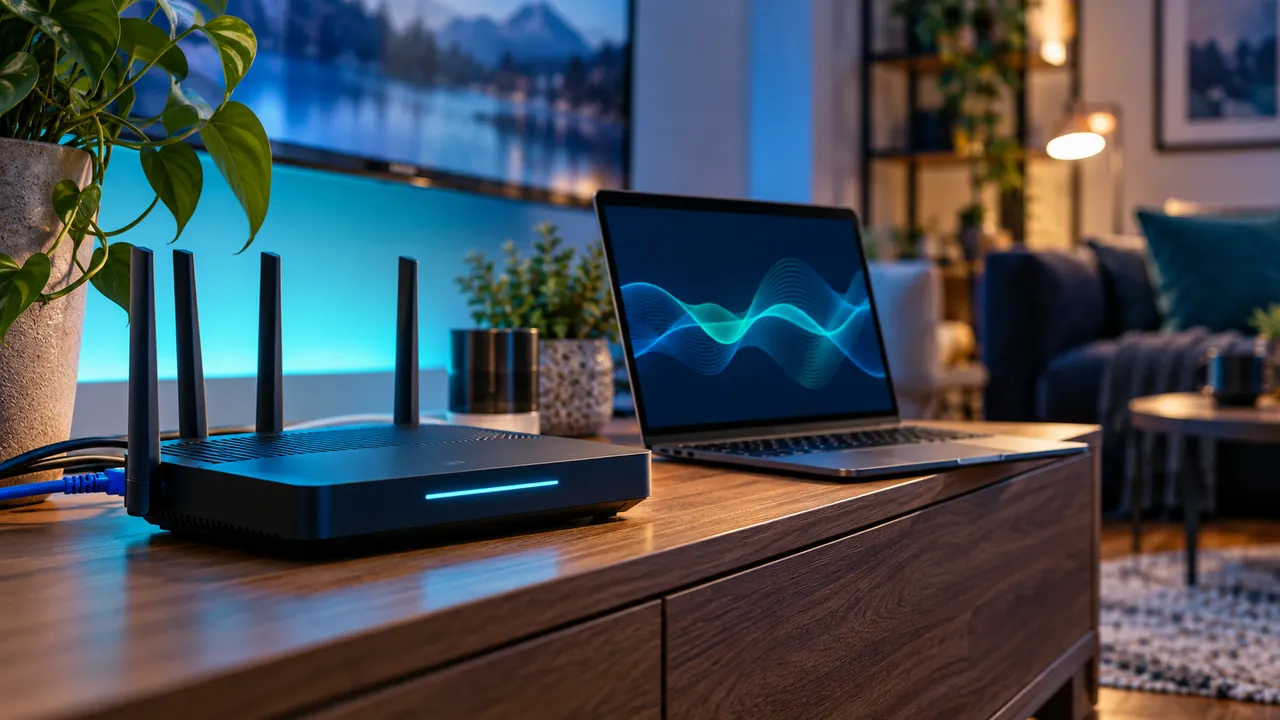
Consider device and format support
An older network interface, an unsupported format or a busy device can affect the viewing experience independently of the headline broadband figure. Check software versions and the player’s supported features before assuming a tariff upgrade is the only possible fix.
If a supported wired comparison improves a repeatable problem, that is evidence about the local connection. If several devices fail only on one source, the source deserves attention. Changing one factor at a time makes those distinctions easier to see.
Take a useful report to the right team
For a broadband enquiry, include local and service-level observations requested by your provider. For a streaming enquiry, include the affected source, device, player and error. Avoid sending account-bearing URLs in either case.
Ask what evidence would help the next investigation before making purchases. A number described as speed can answer only part of the problem. A repeatable pattern connecting time, location and playback gives support a more useful starting point.
Official references
Device menus, app availability and features may change. Check the current publisher instructions for your exact device.
Frequently asked questions
Why is my TV slower than my phone?+
The devices may use different positions, network interfaces and software. Compare the actual conditions rather than assuming they share the same path.
Can faster broadband repair an unsupported player format?+
No. Network capacity and player compatibility are different requirements.
Continue exploring


Let’s check your requirements
Send your device and plan questions. Availability, authorised content and the final service terms must be confirmed before payment.