
Think about the link between points
A mesh point needs a useful connection to the rest of the network as well as to the television. Putting it in the room with the weakest signal may not help if its own upstream link is poor. Map the route between the main router, points and viewing position.
Use the instructions for your exact system. Devices that look similar are not necessarily compatible generations or supported combinations. This article is a testing checklist, not a product recommendation or a promise that additional hardware is needed.
Make one placement comparison at a time
Try an authorised, safe position with access to power and no blocked ventilation. Keep the streaming device and programme unchanged while comparing locations. An open placement can differ from a cupboard or a position behind large furniture.
Where the system provides a mesh test, use it to check the link between its units. Then test playback from the actual viewing device. The two tests answer different questions and should not be treated as interchangeable measurements.
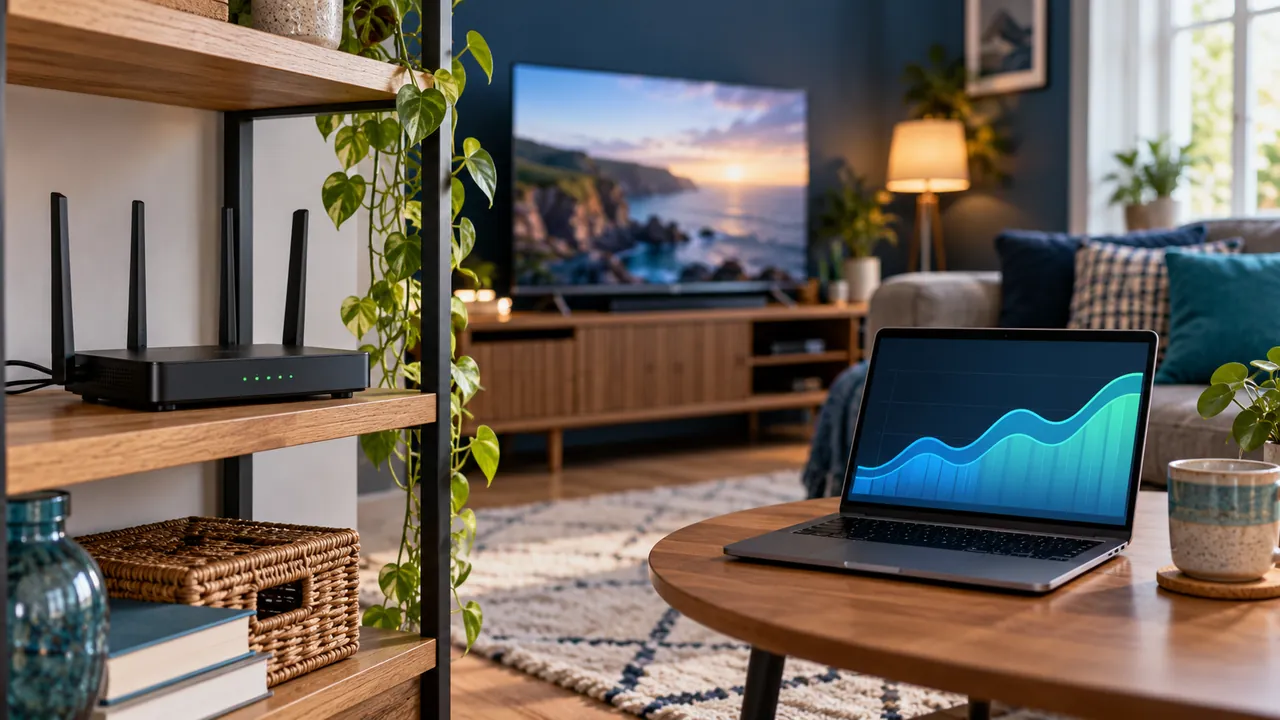
Include the home’s normal conditions
Repeat the comparison when the household normally watches, with typical usage present. Record whether the problem appears after doors close, devices move or other activities begin. Avoid judging a permanent arrangement from one unusually quiet test.
If wired backhaul or another configuration is supported, read the manufacturer’s requirements before using it. Do not improvise wiring or assume any spare socket and adapter will provide the same result as a supported setup.
Use evidence before buying another unit
Keep a brief record of positions and results. If the point has a good network link but one programme still fails across several devices, the source or service may need investigation. If only one room struggles, the local route remains relevant.
Share the model and test results with the network provider or manufacturer if needed. Avoid changing several shared-router settings just to chase a signal icon. A stable path under real use matters more than the number of boxes displayed on a network diagram.
Official references
Device menus, app availability and features may change. Check the current publisher instructions for your exact device.
Frequently asked questions
Should a mesh point sit in the weakest possible corner?+
Not automatically. It also needs a strong supported connection to the existing network.
Does an extra mesh unit guarantee better streaming?+
No. Check placement, compatibility, the device connection and the source before purchasing hardware.
Continue exploring

Let’s check your requirements
Send your device and plan questions. Availability, authorised content and the final service terms must be confirmed before payment.