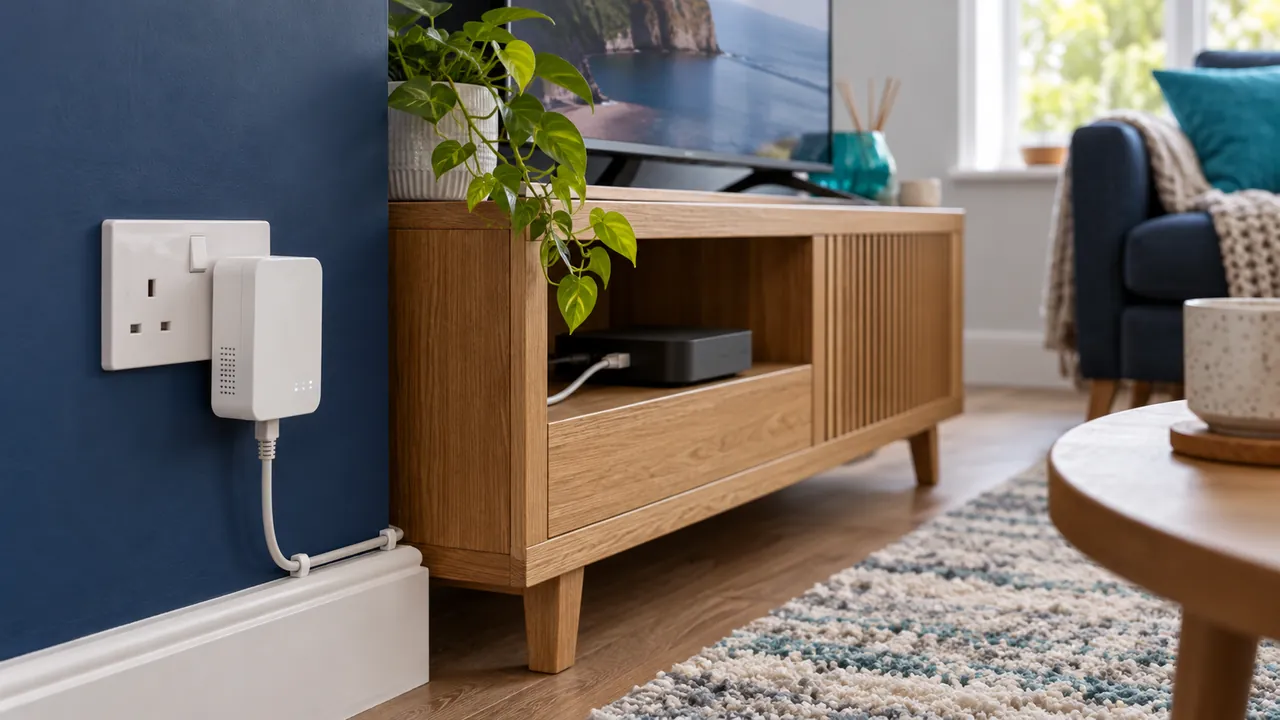
What a wired connection changes
Ethernet removes the wireless link between a compatible device and router. That can reduce local interference and make throughput more predictable. It does not fix an unavailable source, an expired account or a fault elsewhere on the internet connection.
Run a controlled comparison
Use the same device, programme and time period where possible. Try a suitable cable and supported network adapter, then compare with the normal Wi-Fi setup. Check the device port and adapter specifications; a cable alone cannot exceed their capabilities.

Improve wireless conditions before buying equipment
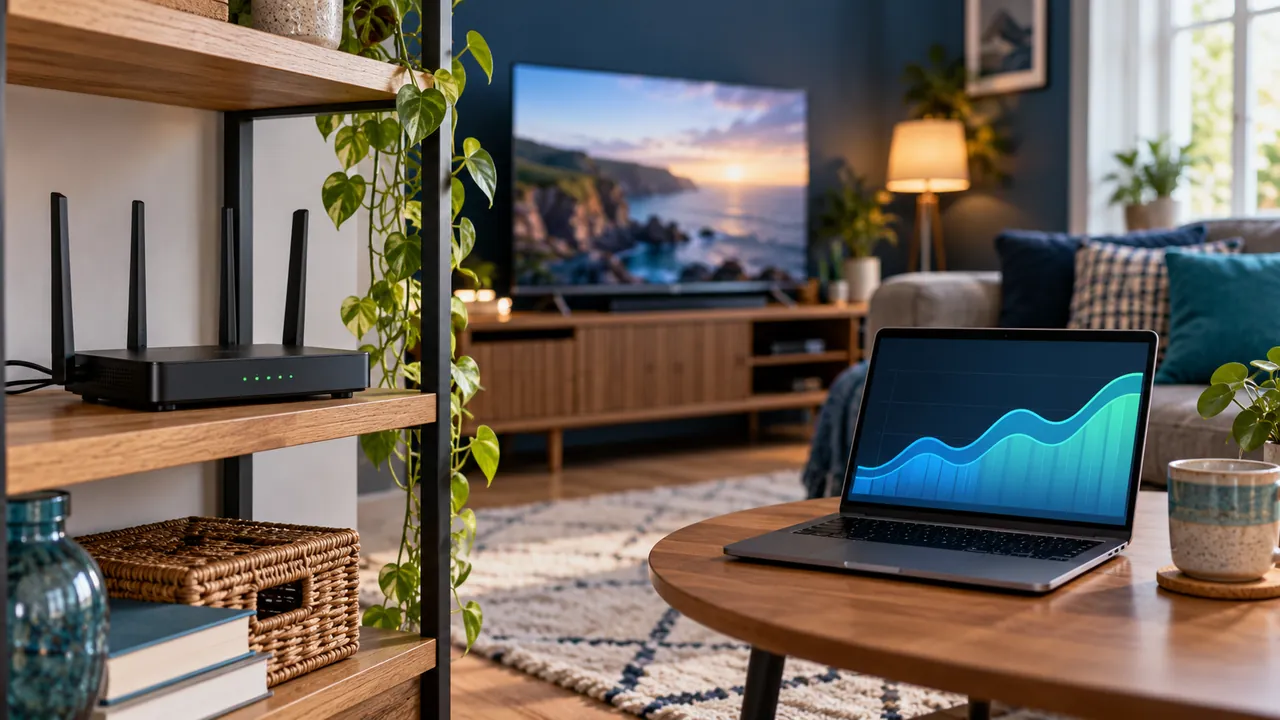
Review router placement, obstacles and the distance to the television. A TV cabinet or neighbouring networks can affect reception. Available frequency bands have different coverage characteristics, so test the options your router and device support instead of assuming one is always best.
Choose based on your room and evidence
A stable Wi-Fi setup may already meet your needs. Wiring can be useful where interference persists or several nearby devices compete. Repeat the test during normal household usage before spending money on new broadband or a replacement streaming device.
Frequently asked questions
Will Ethernet make every stream flawless?+
No. It improves one part of the path but cannot guarantee the source or service.
Should I buy an adapter without checking the device?+
No. Confirm the adapter, power and device compatibility first.
Continue exploring

Let’s check your requirements
Send your device and plan questions. Availability, authorised content and the final service terms must be confirmed before payment.