
Understand the role of the adapters
Powerline networking uses a building’s electrical wiring as part of a data connection. It can offer another local route between compatible network points, but it does not change your broadband service, account rights or the availability of a programme.
Performance depends on the installation and equipment. Do not treat a headline adapter figure as a measured speed at your television. An existing household wiring arrangement can produce a different result from another property using the same model.
Read the electrical and compatibility instructions
Use the manufacturer’s guidance for the adapter, socket arrangement and pairing process. Do not open sockets, modify wiring or use damaged equipment. If you are unsure about electrical safety or an installation requirement, ask a suitably qualified person.
Check whether the proposed adapters are a supported combination. Product names and similar appearances do not prove interoperability. Keep network configuration and any pairing information private, particularly when equipment is shared or later passed to another person.
Compare the actual viewing route
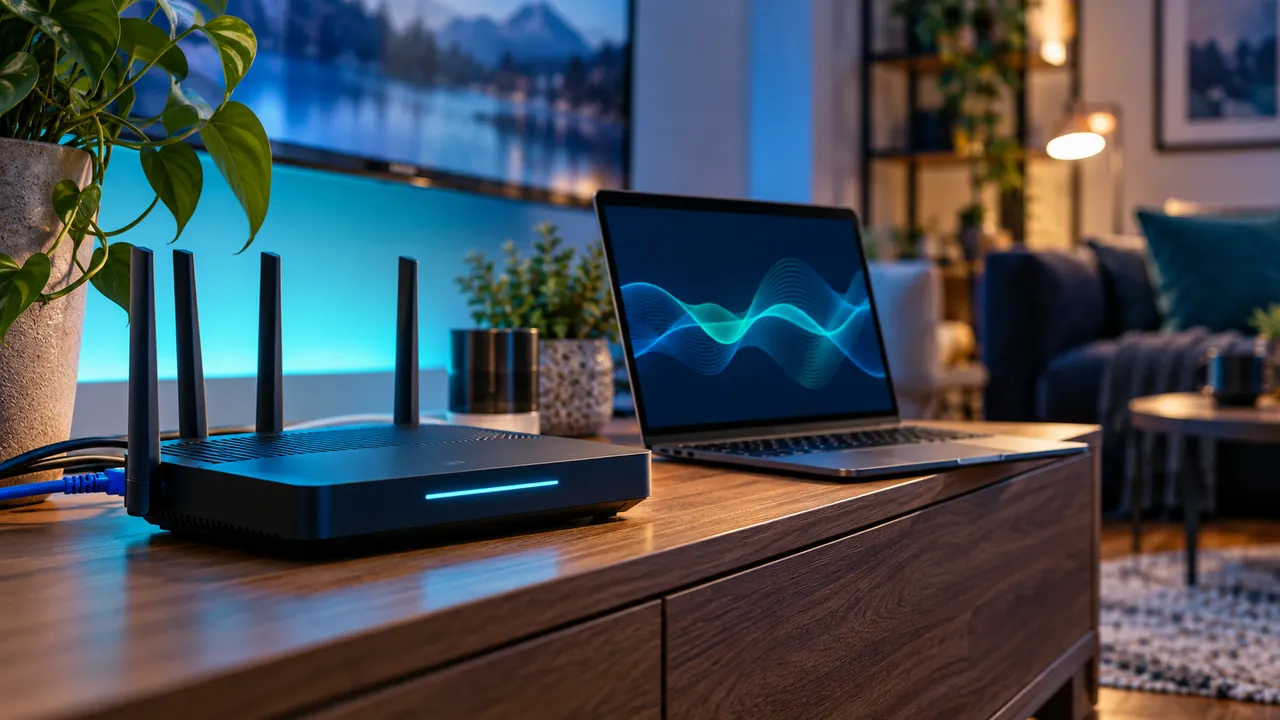
If you already have compatible equipment, test the same authorised programme on the normal wireless route and the supported powerline route. Keep other conditions as consistent as possible. Record the device, socket positions and time so a repeated test can be compared.
Check whether the result is stable during typical household use, not only immediately after pairing. A working network link does not establish that every source or player format is supported. Separate those checks before deciding which part needs attention.
Choose the next action from the result
If the alternative route improves a repeatable local problem, keep the supported arrangement and document it. If it does not, return to a known working setup and investigate the remaining possibilities. Do not keep buying adapters to solve an unexplained account or source issue.
Where a purchase is being considered, verify the specifications, return conditions and installation requirements with the seller. This guide does not rank products. Its purpose is to help you ask better questions and compare the result in your own room.
Official references
Device menus, app availability and features may change. Check the current publisher instructions for your exact device.
Frequently asked questions
Is the number printed on an adapter my streaming speed?+
No. Your actual result depends on the equipment, wiring and rest of the network path.
Will powerline fix an expired streaming account?+
No. It changes a local connection route, not the service’s account state or content rights.
Continue exploring


Let’s check your requirements
Send your device and plan questions. Availability, authorised content and the final service terms must be confirmed before payment.