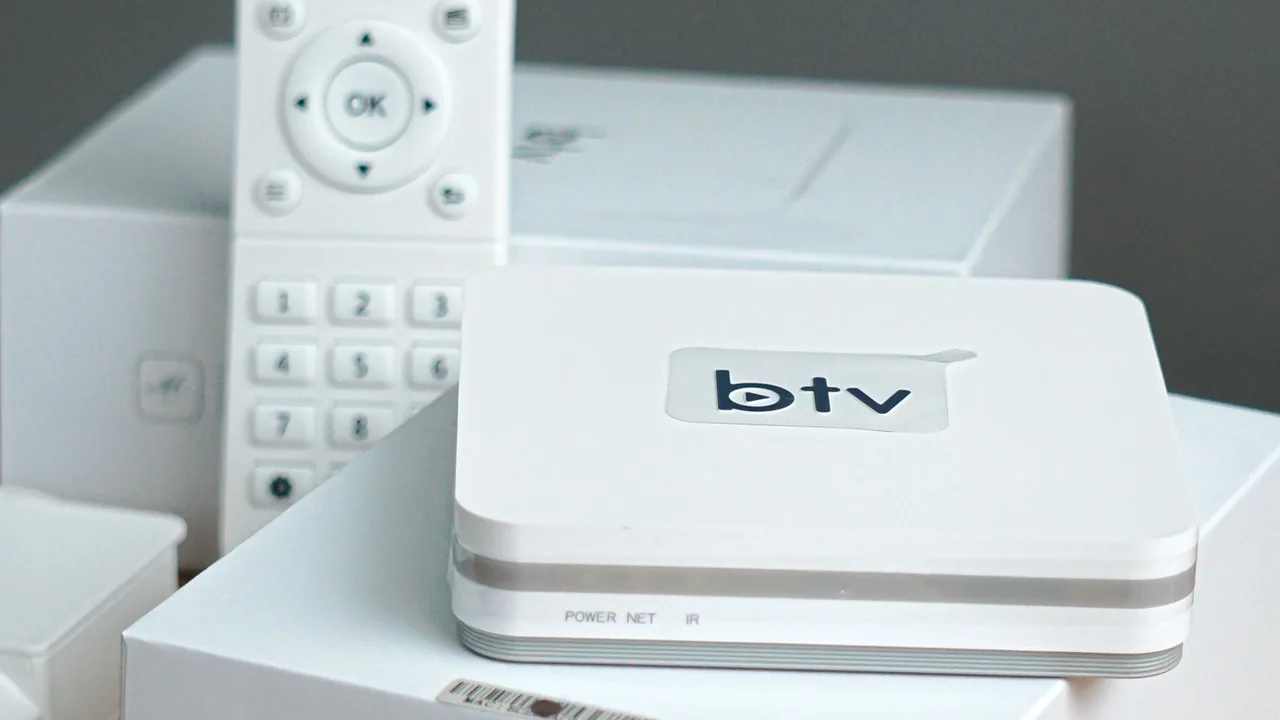
Record the actual failure
Write down what happens when you use the link: an empty playlist, an explicit HTTP error, a sign-in page or a player error after selecting a channel. Include the time and device. Saying only that the link is broken hides the distinction between retrieving the list and playing its contents.
Keep the complete address private. In a support message, provide the hostname and error only if appropriate, with tokens, passwords and personal details removed. A screenshot may expose the address in the settings panel even when the main error looks harmless.
Compare with the original message
Check whether the copied address includes a line break, extra space or a full stop from the surrounding sentence. Compare the protocol, hostname, path and any port against the original instructions. Do not repair it by guessing similar domains.
Confirm whether the link was intended as a playlist, a portal, a guide or a direct stream. A normal browser displaying a web page does not make that address suitable for every player import field. Use the source’s documented input type.

Check access before changing the device
Confirm that the account is active and that the link has not been replaced. A time-limited address can stop working while a previously downloaded list remains visible. Ask the source for current details through its normal support route.
If an error explicitly reports forbidden or unavailable access, do not try to bypass the restriction. Record it and ask the source to clarify the account. Our separate 403/404 guide explains those responses without assuming every error has the same cause.
Change one variable at a time
Try the same authorised source in a supported configuration and keep track of each test. If the whole internet connection is failing, resolve that first. If other services work, that alone does not prove this particular endpoint is reachable.
Avoid repeated factory resets, random DNS changes or installing unknown apps during the first diagnosis. They can introduce additional differences and remove evidence. If you compare devices, stop playback on the first before testing the next.
Send a useful support report
Include the app version, device model, approximate failure time, whether import succeeded and the exact sanitised error. Describe the last successful use and any known account change. A concise sequence gives support more useful evidence than repeated failed imports.
Keep the last known working configuration until a replacement is confirmed. If new access details are issued, update the affected device and securely remove obsolete copies. A troubleshooting record is more useful than publicly circulating a replacement link.
Official references
Device menus, app availability and features may change. Check the current publisher instructions for your exact device.
Frequently asked questions
Should I reset the television immediately?+
No. Identify whether the problem is copying, account access, playlist retrieval or playback first.
Can a previously working link expire?+
Yes, some addresses are temporary or replaced. Confirm its status with the source.
Continue exploring

Let’s check your requirements
Send your device and plan questions. Availability, authorised content and the final service terms must be confirmed before payment.