
Organise around actual viewing
A long IPTV list is easier to manage when you begin with the entries your household uses. Ask each viewer what they need to find, then create a short favourites collection if the player supports it. More entries do not automatically make the daily experience better.
Keep an unedited original in private storage before changing a list you control. If the provider manages the remote source, use the player’s organisation tools instead of assuming edits to a downloaded copy will change the original.
Choose a consistent naming rule
Use a channel or programme name that viewers recognise and add only details that help distinguish entries. Resolution labels should reflect what the source actually supplies. Renaming an entry 4K changes its label, not the media quality.
When two entries share a name, check whether they differ by region, language or source. Keep those useful distinctions visible. Avoid deleting a regional variant just because the first part of its name matches another entry.

Keep favourites small and purposeful
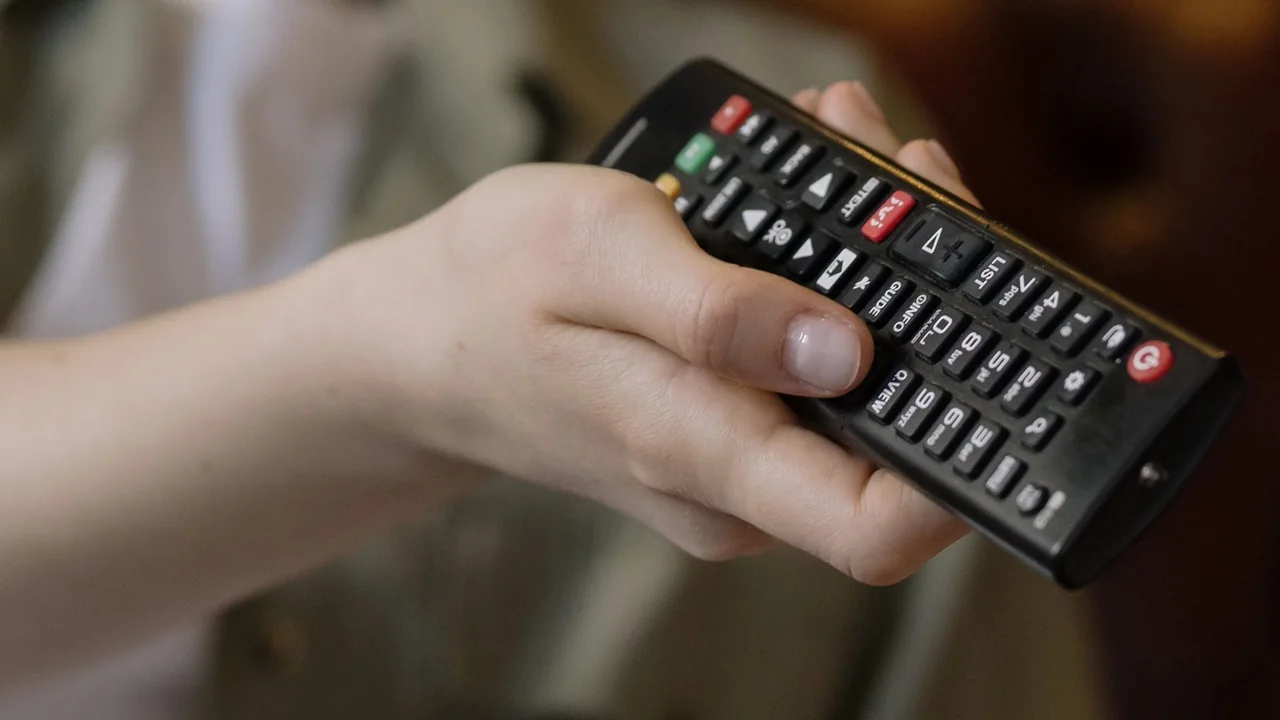
Create separate collections only if the player supports them clearly. A household news collection and a language collection can be helpful; dozens of overlapping folders may reproduce the original clutter. Test navigation with the remote rather than only on a phone.
Consider captions, audio preferences and readable names as part of organisation. A favourite does not guarantee that these features are available on every programme. Check them against the actual entry and source before relying on a label.
Plan for list changes
Note how the player identifies a favourite after the source refreshes. Some apps may use a stable identifier while others depend on a URL or display name. If the provider replaces an entry, a favourite can become stale even when a similarly named channel still exists.
Refresh at a convenient time and check a few important entries afterwards. Record the source change separately from your own sorting changes so that a new problem is easier to trace. Do not repeatedly re-import the list to tidy it.
Keep devices understandable
Use neutral source names such as Lounge and Bedroom in your own setup notes. Record which device holds the main favourites collection and whether a supported sync feature is enabled. Do not share an account-bearing export through an open household noticeboard or public link.
If several people use the service, confirm the account’s simultaneous connection rules. Organising two devices is different from authorising two concurrent streams. A simple note explaining how to start, stop and refresh is often more useful than a large undocumented backup.
Frequently asked questions
Can renaming a channel improve its quality?+
No. A name is a label; actual quality depends on the media and playback setup.
Should I remove all similarly named entries?+
Check region, language and format first. Similar names may represent different useful entries.
Continue exploring


Let’s check your requirements
Send your device and plan questions. Availability, authorised content and the final service terms must be confirmed before payment.