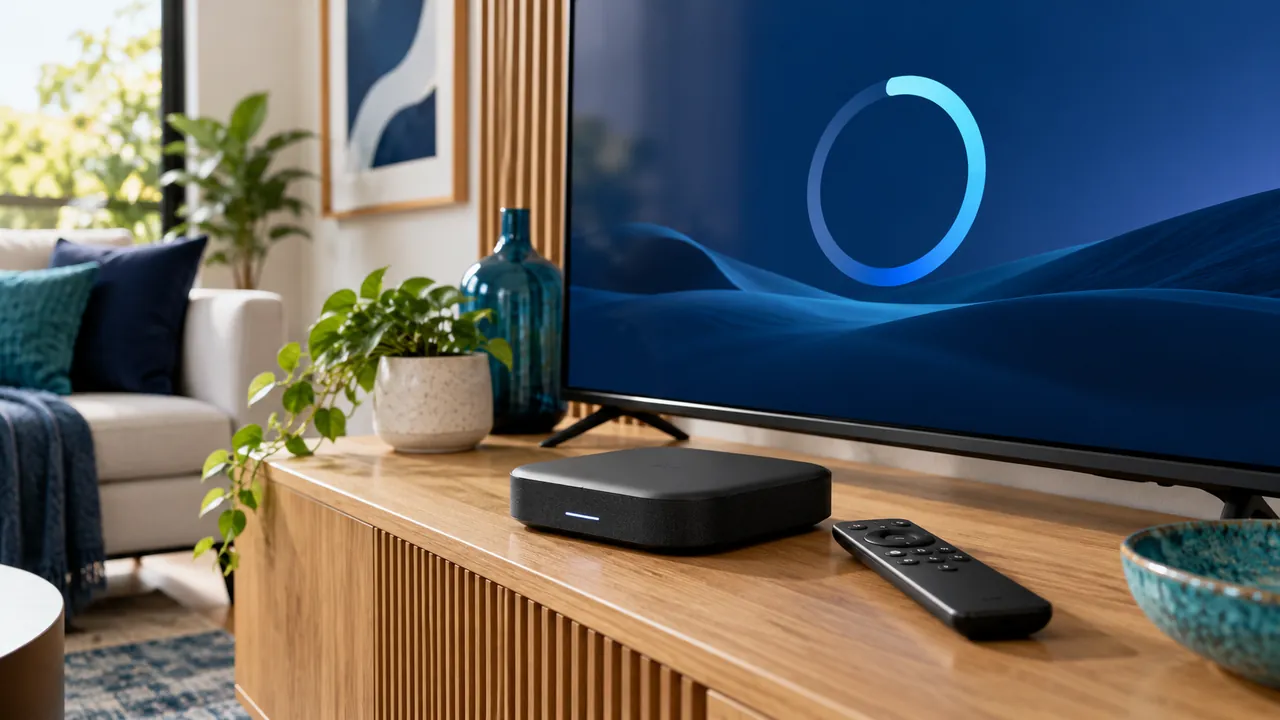
Know which component is being updated
A television operating system, a streaming box, a player app and a router can each have their own updates. Identify the component and current version before starting. Updating one does not necessarily update the others or renew a content subscription.
Use the supported manufacturer or verified app-store process. Avoid unrelated downloads that promise a premium service or ask you to disable security protections. If an update instruction does not match your device, stop and check the official documentation.
Allow time for the supported process
Choose a time when the household can tolerate a restart and a short retest. Follow the manufacturer’s power and connection requirements during installation. Do not interrupt equipment because a progress indicator appears slow without first consulting its guidance.
Keep safe recovery information available in case the app requests sign-in again. A note of the verified player name and service contact is useful. Passwords and activation keys should remain in a protected location, not on a note left near a shared television.

Retest the features people actually use
After the update, open an authorised source and check sound, remote navigation, guide behaviour and supported captions or audio tracks. Menus can change, so update any household instructions if the normal route has moved.
If something differs, record the old and new version where possible and describe the exact change. Do not immediately reset the whole device or reinstall every app. A focused comparison gives the developer or manufacturer better evidence.
Keep maintenance separate from service issues
An update may fix a documented device problem, but it cannot guarantee every programme or account condition. If one source remains unavailable across updated devices, the service may need to investigate it separately.
Review updates periodically through the supported process. Keep the system manageable rather than repeatedly changing settings in search of a perfect configuration. The goal is a maintained setup whose everyday behaviour the household understands.
Official references
Device menus, app availability and features may change. Check the current publisher instructions for your exact device.
Frequently asked questions
Does updating a player renew the subscription?+
No. Software maintenance and content-account billing are separate matters.
Should I download an update from an unknown link?+
Use the official manufacturer or verified store route and confirm the publisher before proceeding.
Continue exploring
Let’s check your requirements
Send your device and plan questions. Availability, authorised content and the final service terms must be confirmed before payment.