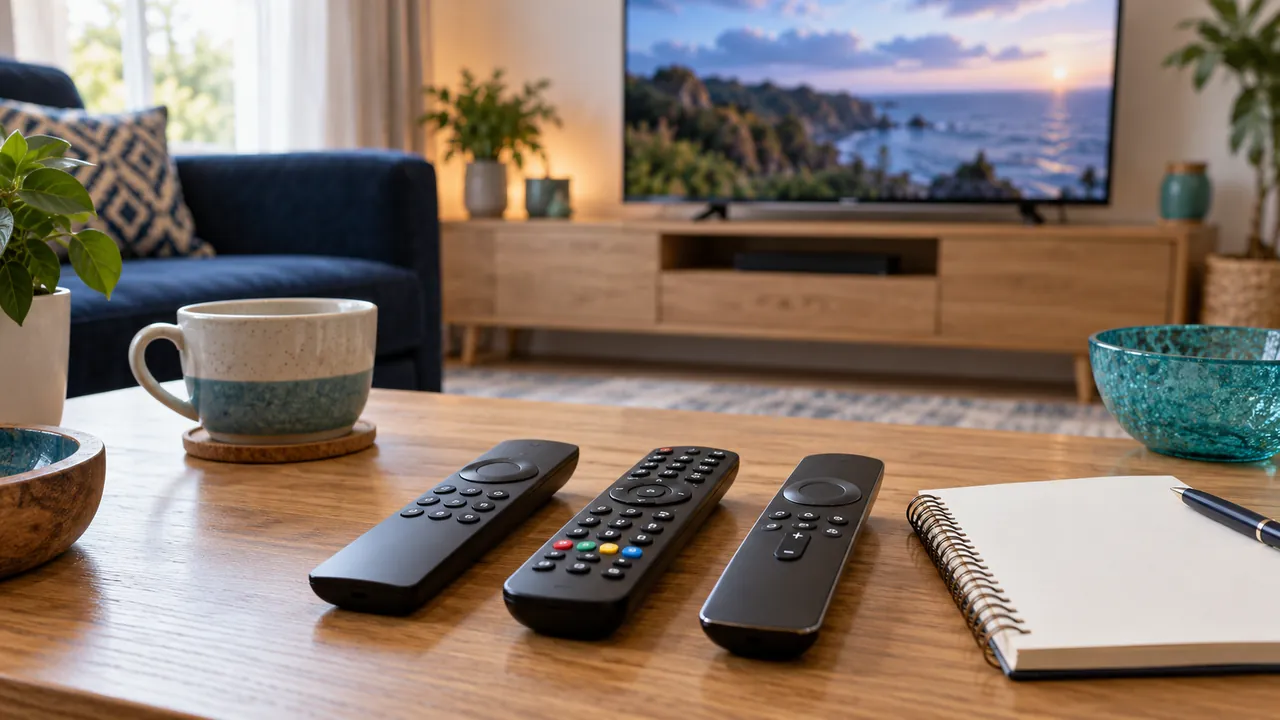
List the actions a viewer really needs
Start with the normal routine: turn on the screen, select the input, open the supported player, choose a programme and adjust sound. Ask another household member to try the sequence without prompts. The point where they hesitate is more useful than a list of features nobody uses.
Keep the instructions about controls, not account secrets. A note left near the television should never contain a playlist password or an activation key. Device and app names are usually enough to explain the normal route.
Decide which remote controls which function
A single remote can be convenient when the equipment supports the required controls. Several remotes can also work if each has a clear role. Avoid assuming that a power or volume button will operate every connected device without configuration.
Check the manufacturer’s instructions before changing equipment-control settings. Test the result with the normal input and speaker route. If a control behaves differently after an update, record the model and software version rather than repeatedly pairing unrelated remotes.
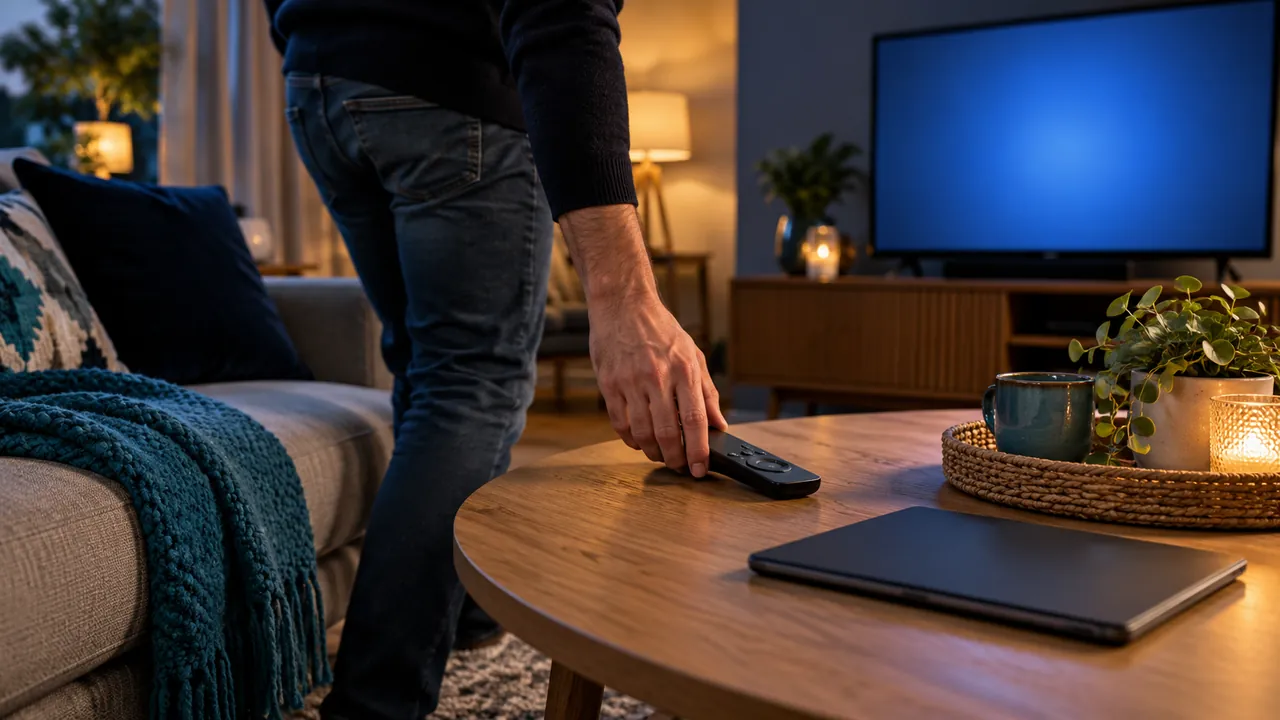
Keep accessibility shortcuts discoverable
Find the route to captions, audio tracks, programme guides and any supported text-size options. Test it with the person who uses those features. A shortcut on the television may have a different effect from a setting inside the player.
Check that the room’s normal lighting is sufficient to identify the controls. Give remotes a consistent place and avoid burying frequently used items behind furniture. Small organisational changes can make an existing setup easier to use without buying new equipment.
Write and retest a short household note
Use a few clear steps in the order they are needed, including how to return to the correct input if someone changes it. Add a safe support route for problems that cannot be solved by reopening the player. Do not turn the note into a catalogue of advanced settings.
Retest after a device replacement or significant software change. Confirm that stopping playback on one screen releases any connection needed by another, according to the provider’s policy. A shared television works best when normal tasks can be repeated by more than one person.
Official references
Device menus, app availability and features may change. Check the current publisher instructions for your exact device.
Frequently asked questions
Is one remote always better than several?+
Not necessarily. The important test is whether the household can perform its normal tasks reliably.
Should the setup note include login details?+
No. Keep credentials in a private protected location, separate from instructions left by the TV.
Continue exploring

Let’s check your requirements
Send your device and plan questions. Availability, authorised content and the final service terms must be confirmed before payment.