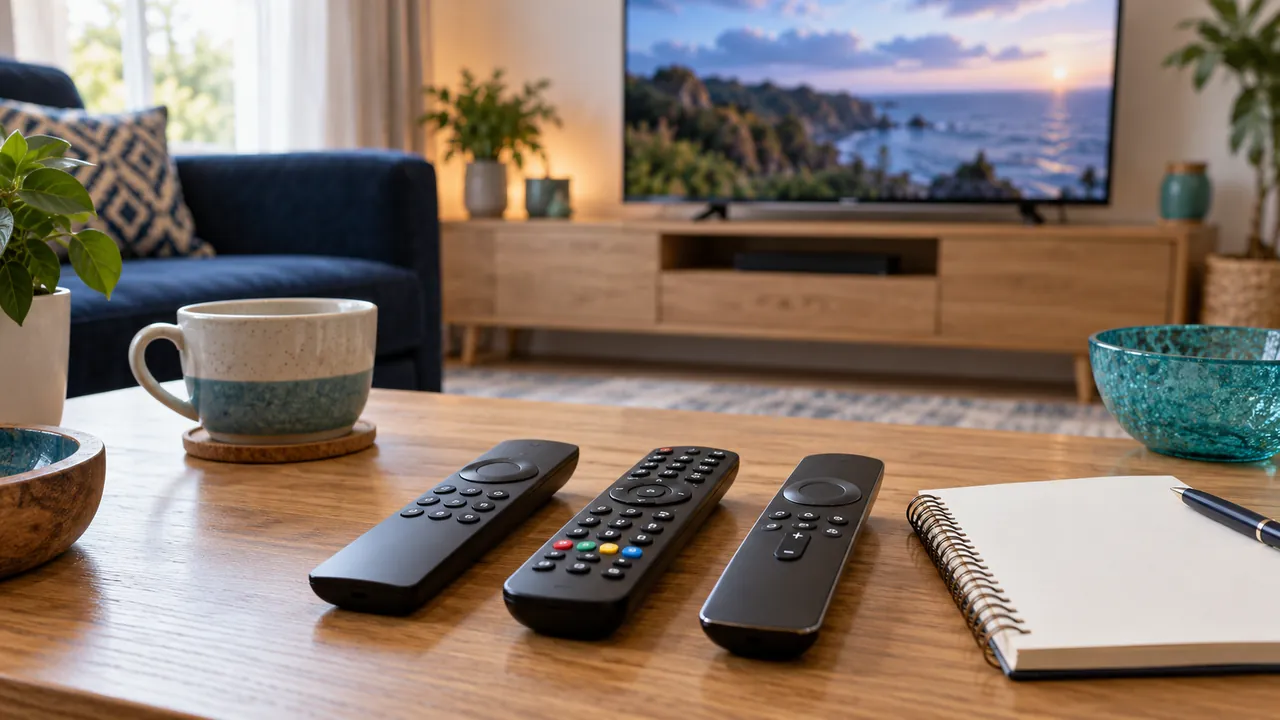
Check each layer of the setup
The television or device, media player and service account may offer different controls. Restricting one layer may leave another route open, such as a separate app or shared adult profile. Review the controls on the exact devices children can access.
Use a distinct PIN and test the restricted profile
Choose a PIN that is not obvious to other viewers and keep it separate from account passwords. Set the intended restrictions, then test what a child profile can open. Check whether searches, guide previews or recent-history screens reveal material you intended to restrict.

Review purchases and account switching
Some devices offer separate purchase controls or profile-switching protections. Check them alongside viewing restrictions, especially where the player has in-app charges. A locked category is less useful if another person can easily change the account or uninstall the restriction.
Recheck after updates and content changes
App updates and new sources can change how controls behave. Periodically test the restricted setup and discuss age-appropriate viewing with the household. Programme labels and PINs support supervision; they do not replace it or guarantee that every source is correctly categorised.
Frequently asked questions
Are player controls the same as TV controls?+
No. They may apply to different apps, profiles and account actions.
Should I rely only on guide age labels?+
No. Labels can be incomplete or inaccurate; test restrictions and supervise viewing appropriately.
Continue exploring



Let’s check your requirements
Send your device and plan questions. Availability, authorised content and the final service terms must be confirmed before payment.