
Begin with how the room is actually used
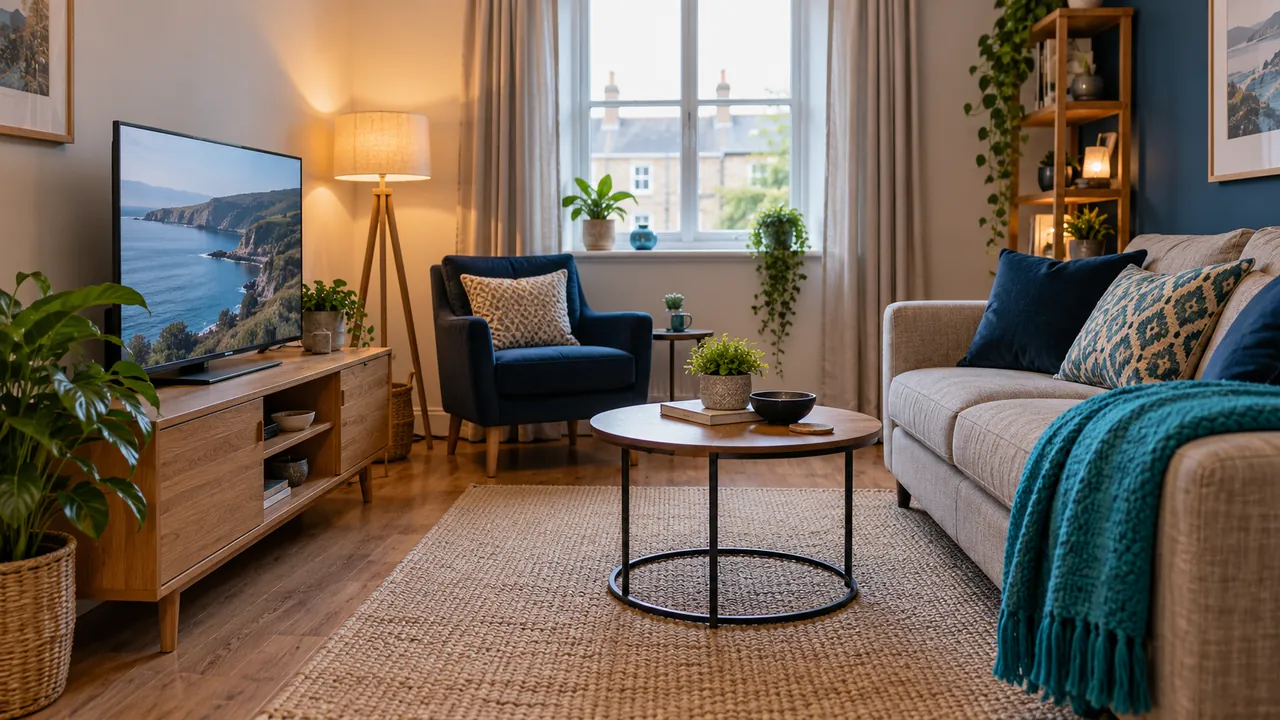
A successful streaming setup begins with the room, not a list of devices. Mark the seats people normally use, the daylight coming through each window and the walkways that need to remain clear. Include the person who uses the remote most often in the planning rather than designing only for an empty room.
Write down what already works. A television with readable menus and a stable player may not need replacing just because another room has newer equipment. Separating a genuine limitation from a cosmetic preference helps you focus the next test.
Plan the signal path before hiding equipment
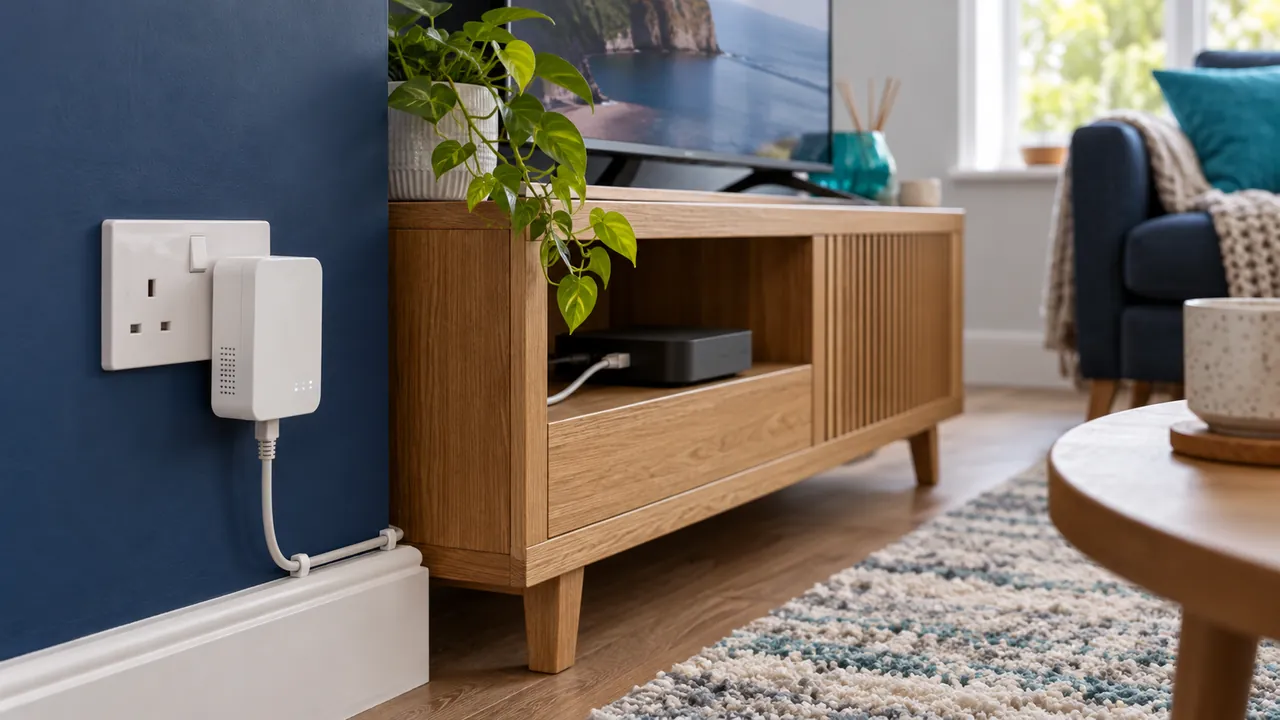
Your stream travels through several parts of the setup: broadband, router, local connection, player, screen and audio output. Identify which parts are fixed and which can move. A device tucked behind a television may receive a different wireless signal from a phone on the sofa.
Test playback in the proposed position before routing cables out of sight. Keep manufacturer ventilation requirements and access to connectors in mind. Use appropriate cable management and avoid creating trip hazards across the room. Hardware installation should follow the equipment instructions.
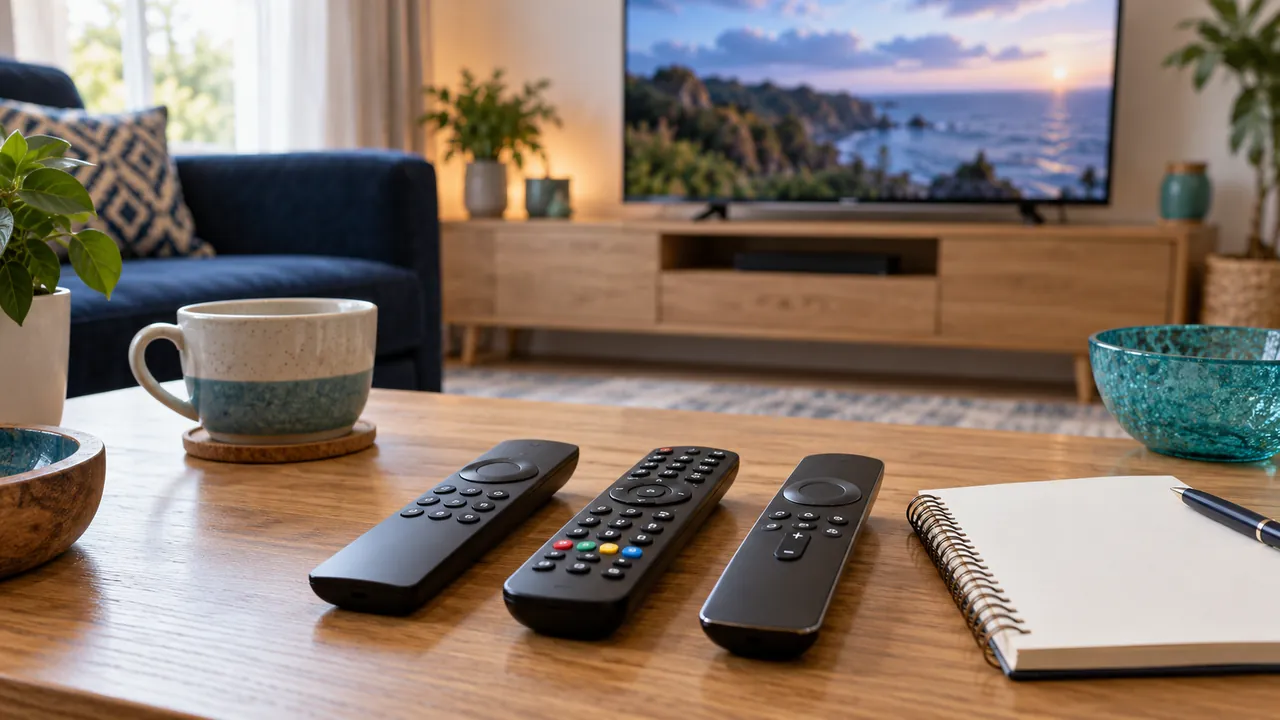
Give everyday controls a proper place
Consider how a viewer turns everything on, selects the correct input, changes sound output and opens the player. Write a short sequence that another household member can follow. Several remotes can be manageable if their jobs are clear; one remote is only helpful when its supported controls actually work.
Check readable text, subtitle access and the availability of audio description where the source offers it. Test these from a normal seat. The presence of a setting in the television menu does not mean the same feature is available in every streaming app.
Use a short acceptance test
Before calling the setup finished, watch a permitted source at your normal viewing time, check sound and try switching away and back. Make a note of any problem and change one factor at a time. This gives support a useful starting point if you need help later.
Keep the device model, player version and service contact route in a private note. Confirm the subscription connection allowance separately from the number of devices in the room. If you are still choosing access, use the UK plans page and device guides to clarify requirements before payment.
Official references
Device menus, app availability and features may change. Check the current publisher instructions for your exact device.
Frequently asked questions
Do I need new equipment to improve the layout?+
Not necessarily. Test placement, controls and connection reliability with the equipment you already have first.
Does a neat setup guarantee smooth playback?+
No. Layout helps usability, but the source, service, device and network still determine playback.
Continue exploring
Let’s check your requirements
Send your device and plan questions. Availability, authorised content and the final service terms must be confirmed before payment.