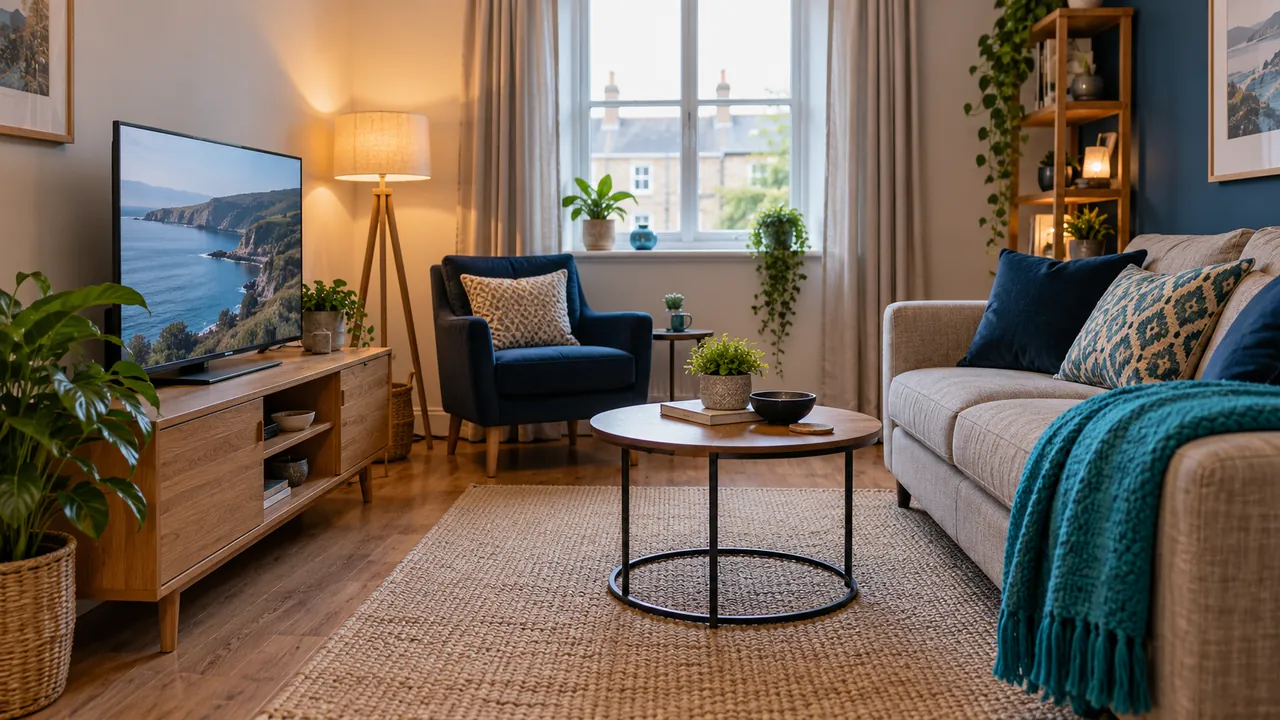
Design around the real viewing position
A compact room can work well for streaming when the screen and controls suit the available space. Begin with the seats that are actually used and check whether menus, guide listings and subtitle text can be read comfortably from them. Do not choose a layout only because it looks tidy from the doorway.
Leave routes between doors, seats and furniture clear. Equipment should be stable and installed according to its instructions. If a wall installation is being considered, use the correct equipment and qualified help where needed rather than treating room-planning advice as mounting instructions.
Look for reflections at different times
A screen may look clear in the evening but reflect a window during an afternoon programme. Check the main seats in both conditions before moving furniture permanently. Curtains and lamp positions may change the experience without changing the television.
Avoid assuming that higher brightness fixes every reflection. Compare the room lighting first, then review the manufacturer’s picture options. What looks pleasing in a brightly lit shop may not suit a small room in the evening. Record original settings before experimenting.
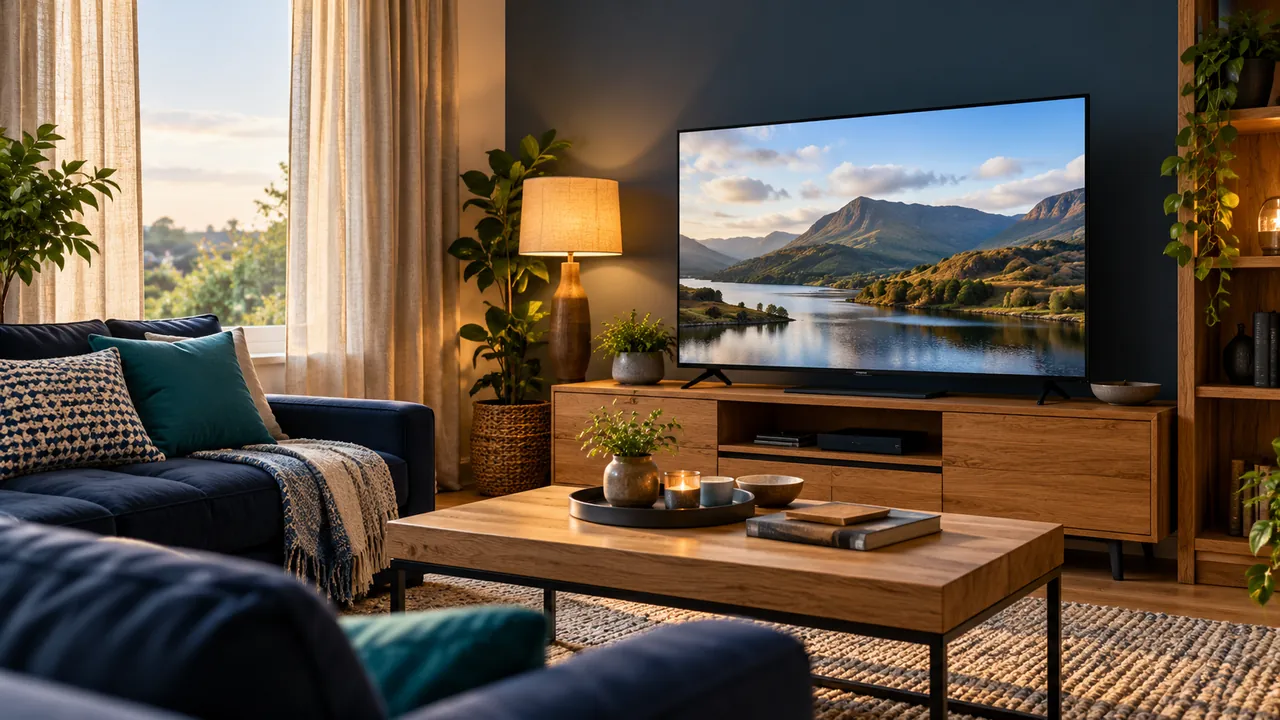
Make controls and sound easy to use
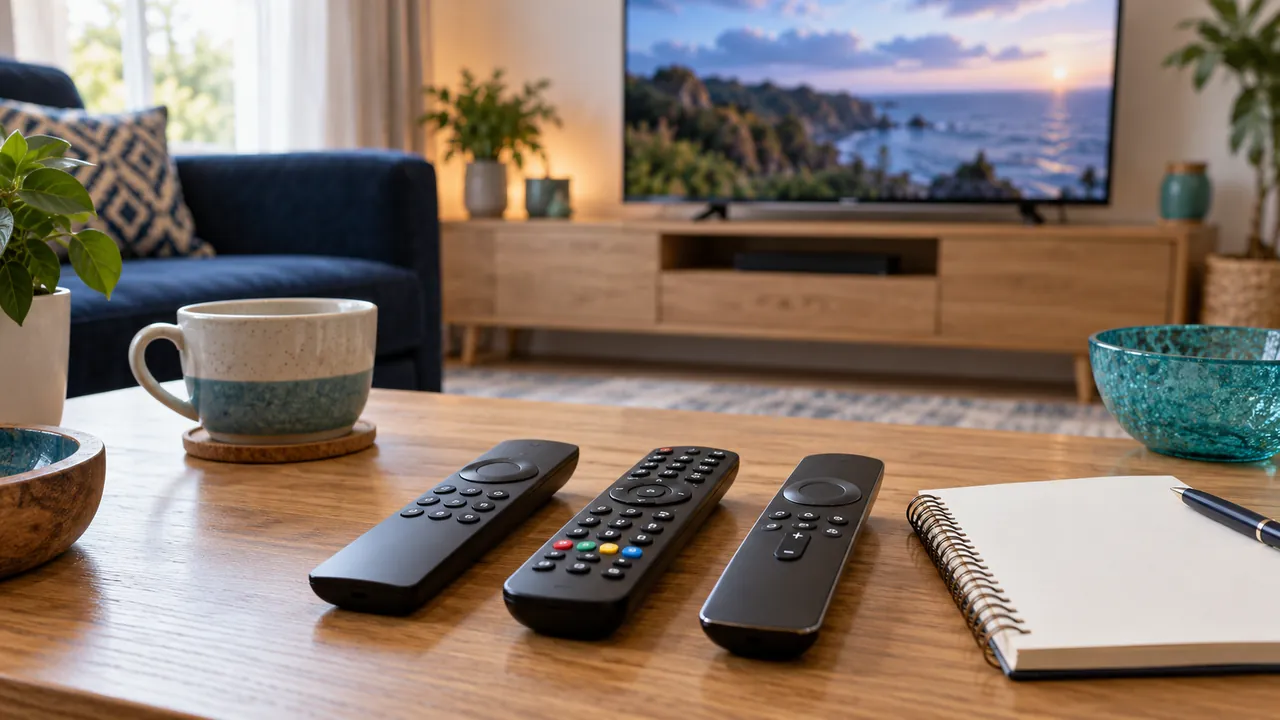
In a small space, remotes and cables can end up behind furniture. Give the items used every day an obvious place and test whether anyone else can start the service without help. If text size or caption appearance can be changed in the player, check those options with a real programme.
An external speaker is not automatically necessary. First check whether the existing speakers are obstructed and whether the chosen sound mode suits dialogue. Keep access to headphone or accessibility options available where supported. Features differ across devices and sources.
Test the network from the final location
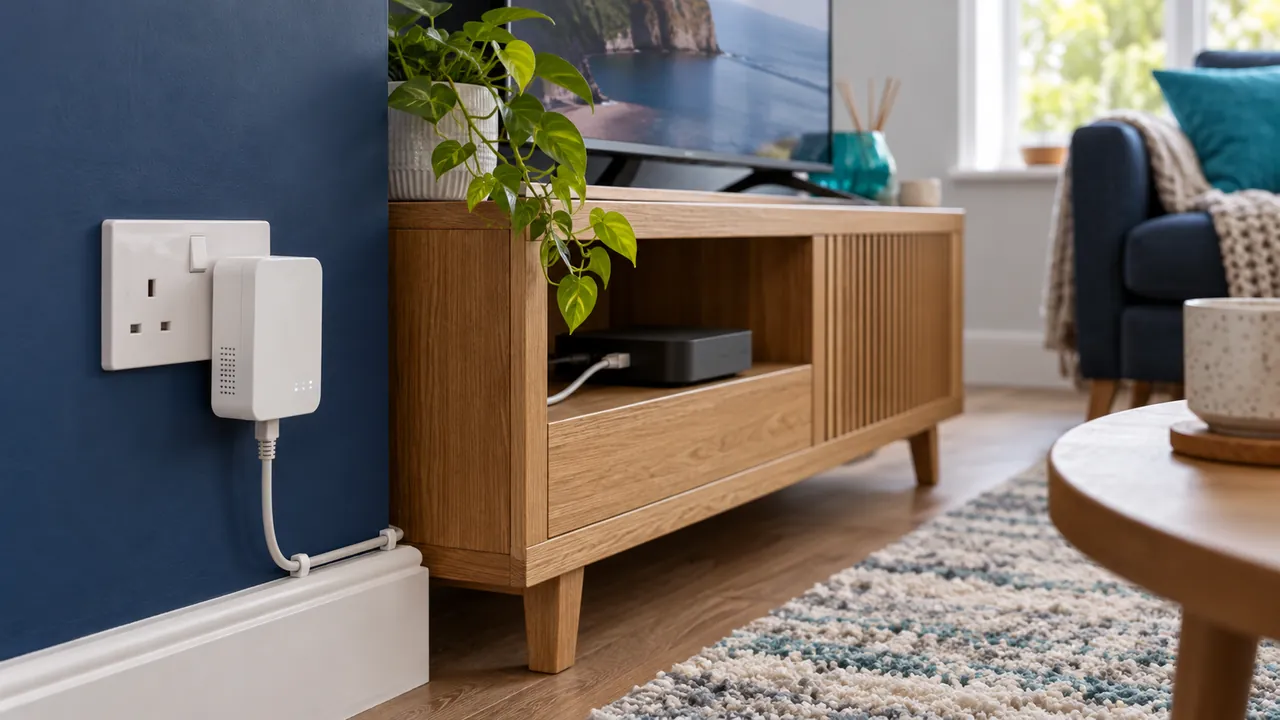
Even a small flat can have a difficult wireless path. Compare playback in the proposed device position with a controlled alternative and keep the same programme for the test. A phone on the sofa may not represent a streaming device behind a screen.
Once the layout works, document the correct input, player and support route. Keep credentials out of the note if it will be shared. A small-room setup is complete when it works for daily use, not when it has the largest equipment list.
Official references
Device menus, app availability and features may change. Check the current publisher instructions for your exact device.
Frequently asked questions
Is a bigger television always better in a small room?+
No. Consider the room, readable controls and actual viewing preferences rather than size alone.
Can room layout affect a wireless streaming device?+
Yes. The device’s position and nearby obstructions can change local wireless conditions.
Continue exploring
Let’s check your requirements
Send your device and plan questions. Availability, authorised content and the final service terms must be confirmed before payment.