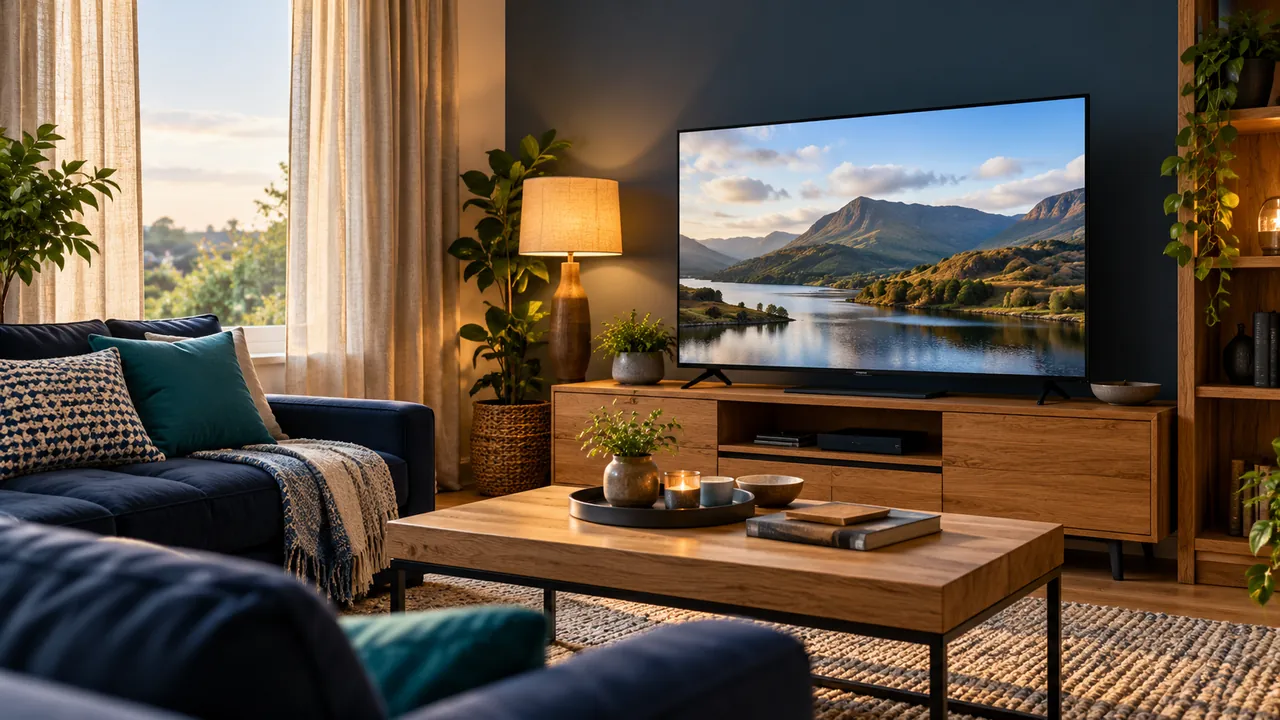
Identify the reflection you are trying to remove
Look at the screen from the seats people normally use at the time they usually watch. A reflection may come from a window, a lamp or another bright surface. Record which seats and times are affected. A room that works at night may behave differently during daytime viewing.
Use the same programme or menu for comparisons so a darker scene does not mislead you. The question is whether the room arrangement changes the reflection, rather than whether one film happens to look brighter than another.
Try reversible lighting changes
Adjust an available curtain or move a portable lamp where this can be done safely. Keep practical lighting for moving around the room and avoid creating trip hazards with temporary cables. Check the effect from more than one seat before deciding the change is useful.
If you move furniture or equipment, follow stability and ventilation instructions. This is not a guide to mounting televisions or altering electrical installations. Where the room cannot be changed, note the remaining limitation before judging the picture settings.
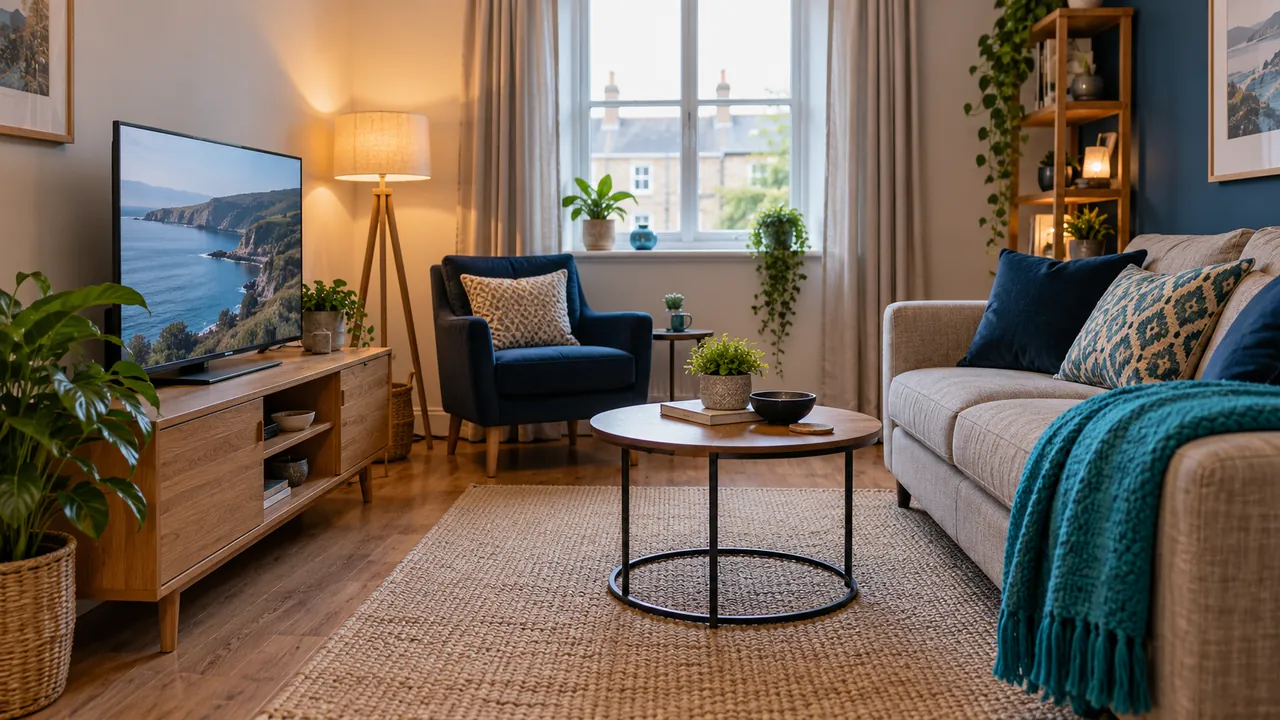
Keep a baseline for picture adjustments
Write down the original picture mode and compare a supported option using the same material. Do not assume that maximum brightness, extreme sharpening or a vivid shop-style mode is the best long-term answer. The appropriate controls depend on the screen and viewing conditions.
Some devices provide calibration references or picture tools. Use the documentation for your model and understand what each tool changes. A room-lighting problem, an unavailable HDR source and an incorrect picture setting are separate issues.
Judge the result in everyday use
Check subtitles, menu text and darker scenes after the change. Ask other household viewers whether their seats still work. The goal is a usable room across normal conditions, not a perfect photograph of the television taken from one angle.
If the picture still seems wrong, record the source, device and settings already compared. Consult the manufacturer rather than copying another model’s numbers. A clear description of the remaining problem is a better starting point than changing every control again.
Official references
Device menus, app availability and features may change. Check the current publisher instructions for your exact device.
Frequently asked questions
Should I set brightness to maximum for every reflection?+
Check the room lighting and manufacturer guidance first; one setting does not suit every screen or source.
Can calibration replace controlling a bright window reflection?+
Calibration and room reflections are different issues. Review both rather than expecting one control to solve everything.
Continue exploring
Let’s check your requirements
Send your device and plan questions. Availability, authorised content and the final service terms must be confirmed before payment.