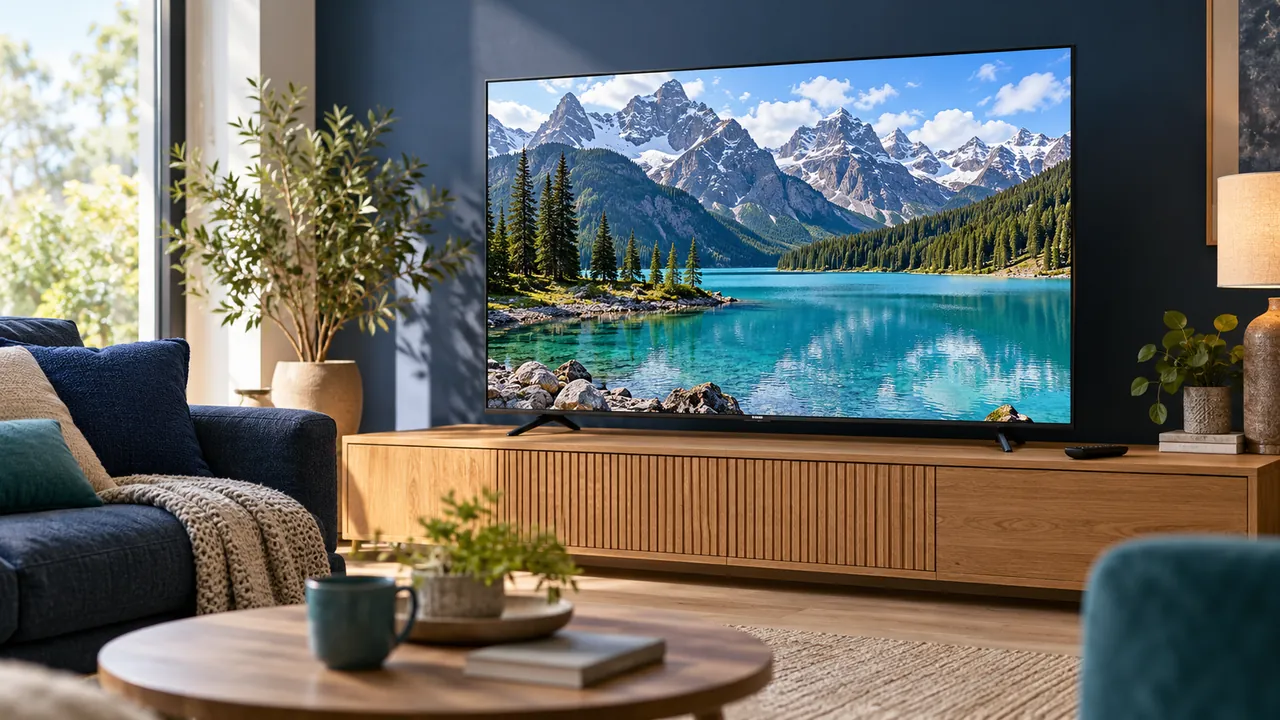
A screen label is not the source format
A television capable of displaying a high-resolution picture still needs a suitable source and supported playback path. A lower-resolution programme does not become a native high-resolution recording because the television can scale it to fit the panel.
Check the actual source and player support rather than judging only by the hardware box. If quality is important to your purchase, ask what the service confirms for the specific programme and device. A broad label may describe selected content rather than everything.
Sharpening and detail are different things
Picture-processing controls can change the appearance of edges and texture. They should not be interpreted as adding the original information that a lower-quality source never contained. Compare a supported setting using the same scene and record the original value.
Avoid copying a collection of numbers from a different television model. Devices and source formats vary, and personal preferences differ too. Manufacturer guidance is the appropriate starting point for understanding what a control actually changes.
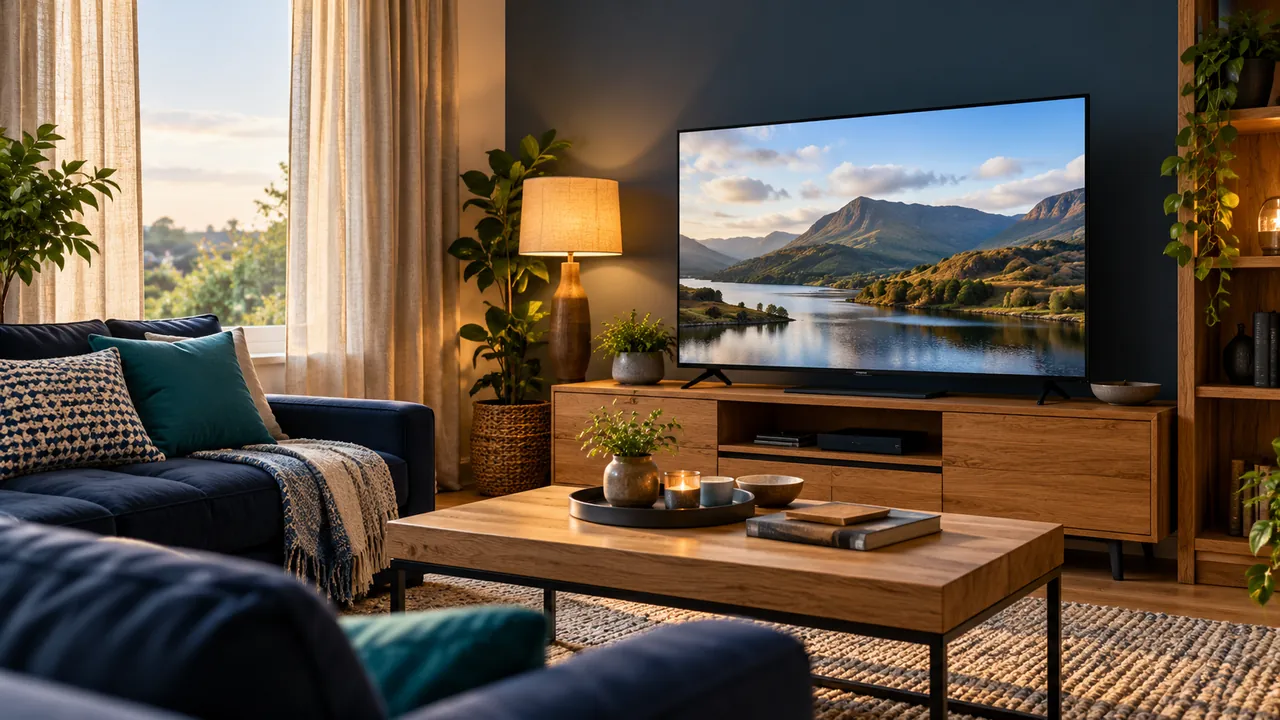
Motion and colour need their own checks
Motion options, colour modes and supported HDR behaviour are separate from basic resolution. A change that looks pleasing for one source may be distracting for another. Test ordinary viewing material rather than judging only a bright demonstration scene.
Consider the room as well. Reflections and lighting can make the same picture seem different at another time of day. Check these conditions before using extreme settings to compensate for a problem that begins outside the screen.
Use a repeatable comparison
Choose an authorised programme, keep the device and connection unchanged and compare one picture option at a time. Note what improves and what becomes worse. If the stream itself is interrupted or unavailable, diagnose that separately from image-processing preferences.
For a persistent issue, send the exact model, source, output path and symptom to the relevant support team. A disciplined comparison is more useful than a claim that one setting makes every programme perfect. The aim is an appropriate supported picture for your own viewing conditions.
Official references
Device menus, app availability and features may change. Check the current publisher instructions for your exact device.
Frequently asked questions
Can sharpening turn a low-resolution source into native 4K?+
No. Processing and the information contained in the original source are different things.
Should every television use the same picture values?+
No. Check the model, source format, room and manufacturer guidance before comparing settings.
Continue exploring
Let’s check your requirements
Send your device and plan questions. Availability, authorised content and the final service terms must be confirmed before payment.