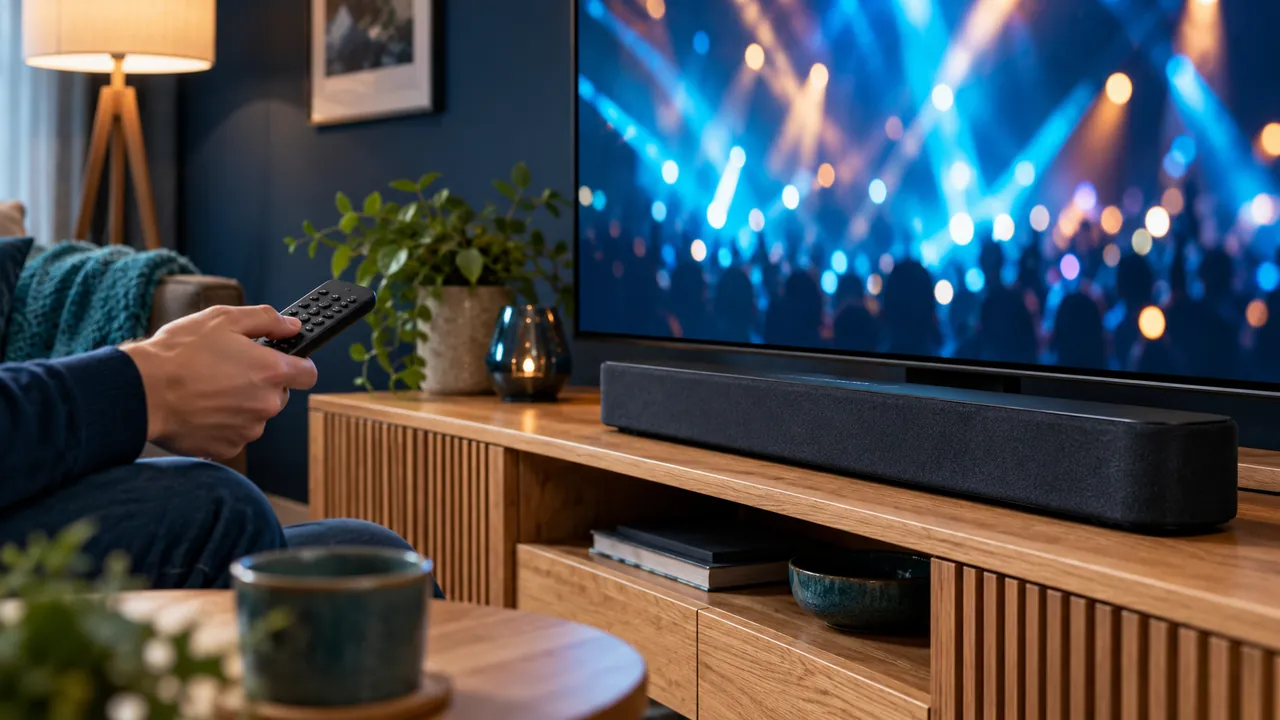
Describe the fault before changing a setting
Watch a scene where speech and mouth movement are easy to compare. Note whether sound comes before or after the picture and whether the problem affects one programme or everything. A delay setting that helps one faulty source may make other programmes worse.
Record the player and output route: built-in television speakers, soundbar, receiver or supported wireless speakers. Different paths can involve different processing. The aim is to isolate the part that changes the result, not to assume the internet connection is always responsible.
Compare one part of the chain at a time
If your equipment allows it, compare the same programme using the television speakers and the normal external speaker route. Keep the device and source unchanged. Then try another authorised programme. These comparisons are more useful than changing picture, sound and player settings together.
Check that cables and supported connections are correctly installed according to manufacturer guidance. Do not disconnect equipment unsafely or assume an unfamiliar adapter is a universal fix. The device manuals are the right place for connection-specific requirements.
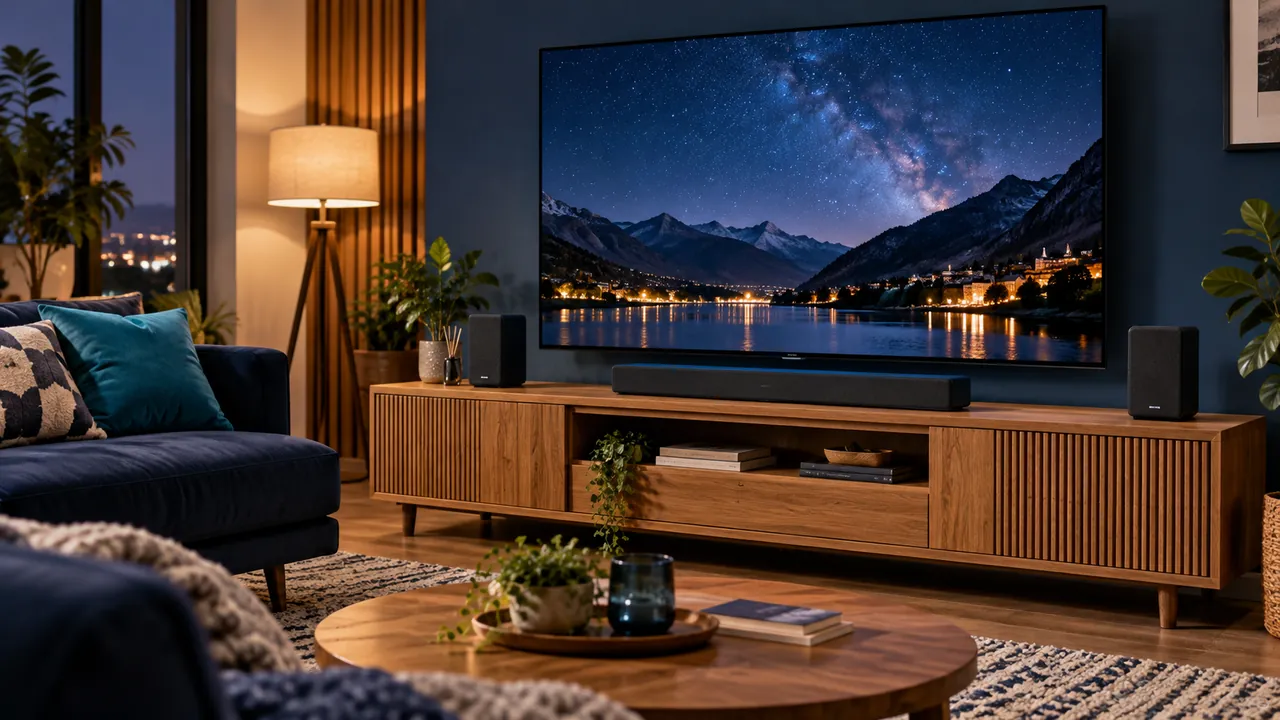
Use device-specific controls carefully
Some televisions and players offer audio-delay or calibration tools. Their names and effects vary, and not every control compensates in both directions. Write down the original value, make a small test change and compare the same scene.
Apple and Samsung publish guidance for their supported equipment, but their menus should not be copied to unrelated devices. A wireless-speaker calibration tool also serves a different purpose from correcting a single badly synchronised programme. Read the explanation for the feature you are using.
Prepare a report if the mismatch remains
Include the exact source, time, device versions, speaker path and the comparisons already tried. Say whether the problem disappears with another audio output. Redact credentials from any screenshot or account page.
If only one programme is affected, the provider may need to inspect that source. Avoid resetting the whole household setup before sharing the evidence. A disciplined comparison can prevent an unnecessary app reinstall and preserve settings that work correctly elsewhere.
Official references
Device menus, app availability and features may change. Check the current publisher instructions for your exact device.
Frequently asked questions
Should I change the audio delay for every out-of-sync film?+
First check another source. A global adjustment may affect programmes that were already synchronised.
Can wireless and wired speaker paths behave differently?+
Yes. Supported devices may offer calibration tools for particular audio paths; check the relevant manufacturer guidance.
Continue exploring
Let’s check your requirements
Send your device and plan questions. Availability, authorised content and the final service terms must be confirmed before payment.