
Follow the audio from source to speakers
The programme’s audio track, the player, the output connection and the receiving equipment all affect what you hear. A surround-capable speaker system cannot create the original multi-channel track if the service supplies only stereo. Equally, a supported track can be reduced or converted somewhere in the chain.
Write down the equipment and connection route rather than judging only by the app logo or speaker count. This creates a useful map when you need to explain the setup to a manufacturer or provider.
Distinguish compatibility from a format preference
Audio menus may offer automatic detection, stereo output or other device-specific options. The correct choice depends on the equipment and the format actually supplied. A higher-sounding label is not automatically the most compatible setting.
Review the manufacturer’s instructions for the player and receiving device before forcing an output. If you hear silence after a change, return to the known working setting and compare supported options methodically. Do not assume the subscription is unavailable simply because one selected format fails.
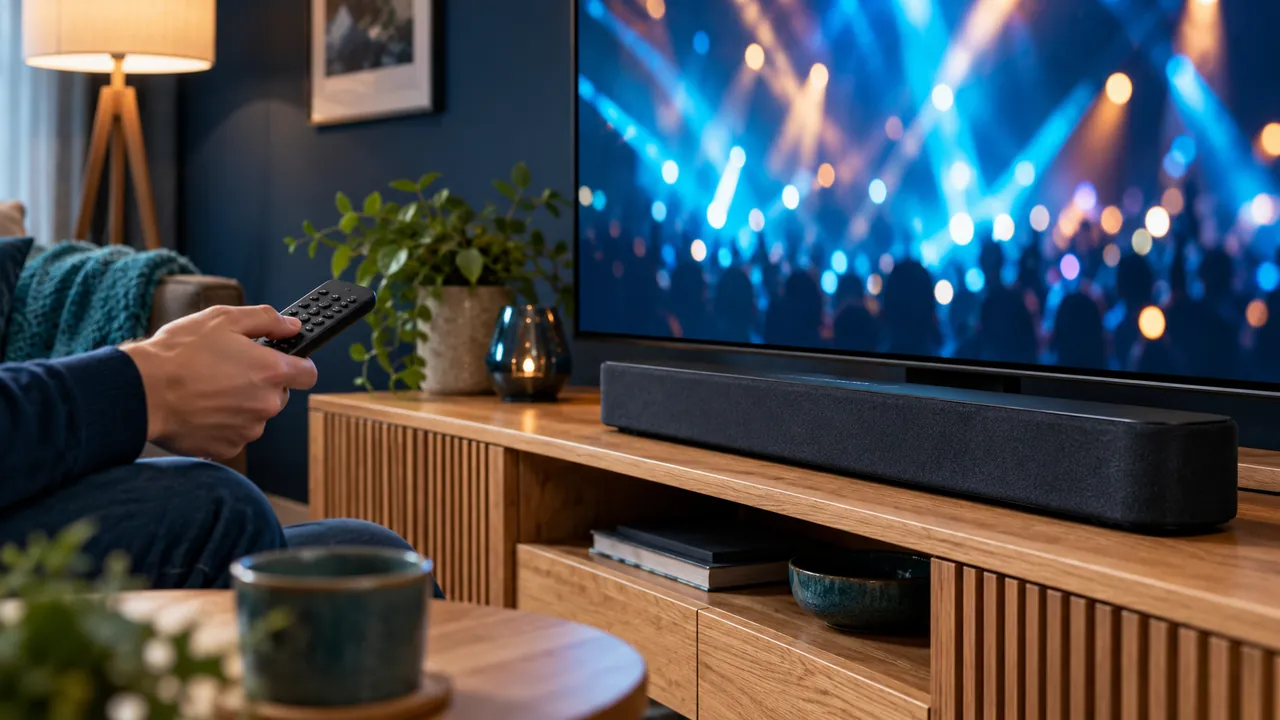
Use one known scene for a comparison
Choose an authorised programme and listen for the same passage after each change. Note whether dialogue, music or timing changes. Comparing different programmes at the same time introduces source differences and makes the result harder to interpret.
If several speaker routes are available, test them separately where supported. A wireless route, television speakers and an external receiver may not behave identically. Calibration tools should be used for the purpose the manufacturer describes rather than as generic enhancements.
Confirm service features before relying on them
Ask which audio tracks and formats are available for the actual programme and device. Catalogue labels can describe possibilities without guaranteeing every source. Keep a record of what the provider confirms if an audio feature is important to your purchase.
For unresolved problems, send the device models, selected output format, connection route and exact symptom. A simple working stereo setup can be preferable to an unsupported configuration that produces silence or delay. The useful outcome is reliable, understandable sound for the household.
Official references
Device menus, app availability and features may change. Check the current publisher instructions for your exact device.
Frequently asked questions
Do more speakers guarantee a surround source?+
No. The service, programme track, player and connection must support the relevant audio path.
Should I force the highest format in the menu?+
Only use formats supported by the whole setup. Review device instructions and compare with a known working configuration.
Continue exploring

Let’s check your requirements
Send your device and plan questions. Availability, authorised content and the final service terms must be confirmed before payment.