
Identify your Apple TV generation
Apple TV 4K and Apple TV HD support downloading apps through the App Store. Older third-generation Apple TV devices do not have the same app-installation route. Identify your model before following an installation guide or purchasing a player.
Review the tvOS player before buying
Read the App Store listing for supported formats, developer details and any in-app purchases. A Get button may indicate a free download while additional features require payment. Confirm whether guide data, subtitles and the login format you need are supported.
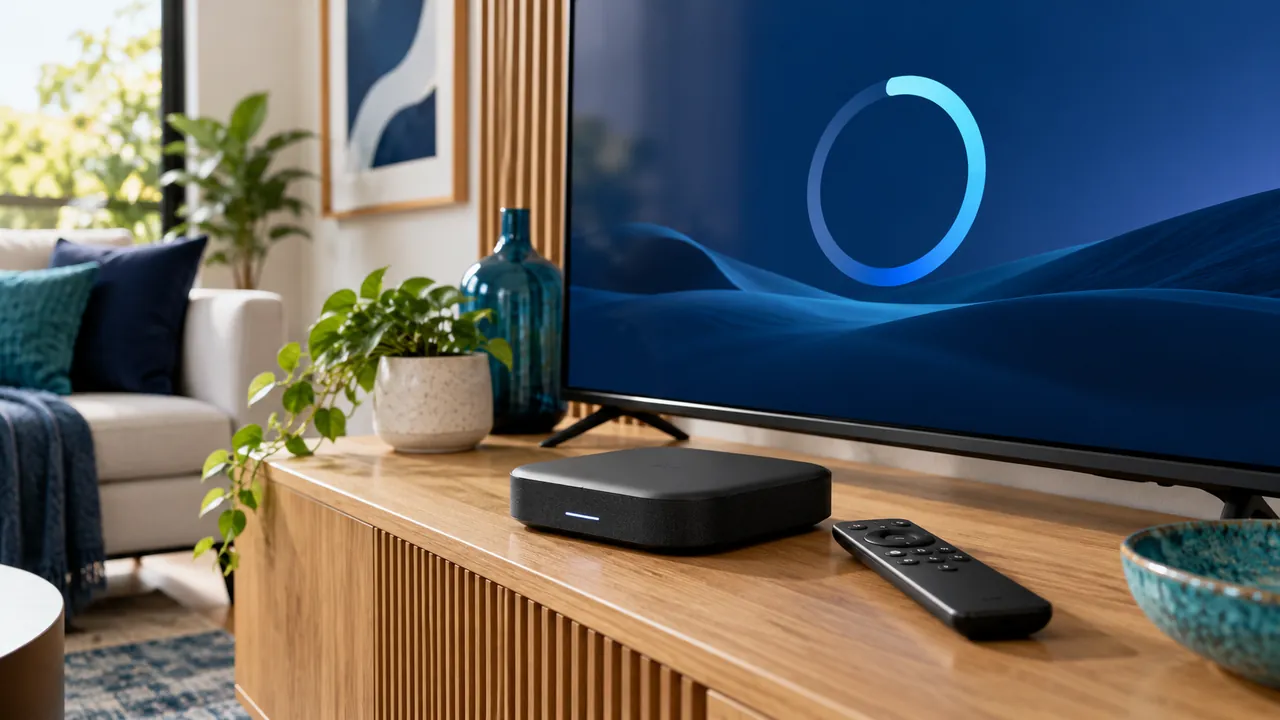
Build a comfortable remote-control setup
Test search, pause behaviour where supported, audio output and guide navigation. If a feature depends on the service, ask the provider rather than assuming the app can supply it. Your Apple account purchase history and your streaming service credentials are separate; protect both.
Official references
Device menus, app availability and features may change. Check the current publisher instructions for your exact device.
Frequently asked questions
Can Apple TV third generation install these players?+
Apple states that third-generation Apple TV cannot download new App Store apps.
Does a 4K Apple TV make every programme 4K?+
No. The source, service, screen and network must all support the required quality.
Continue exploring

Let’s check your requirements
Send your device and plan questions. Availability, authorised content and the final service terms must be confirmed before payment.