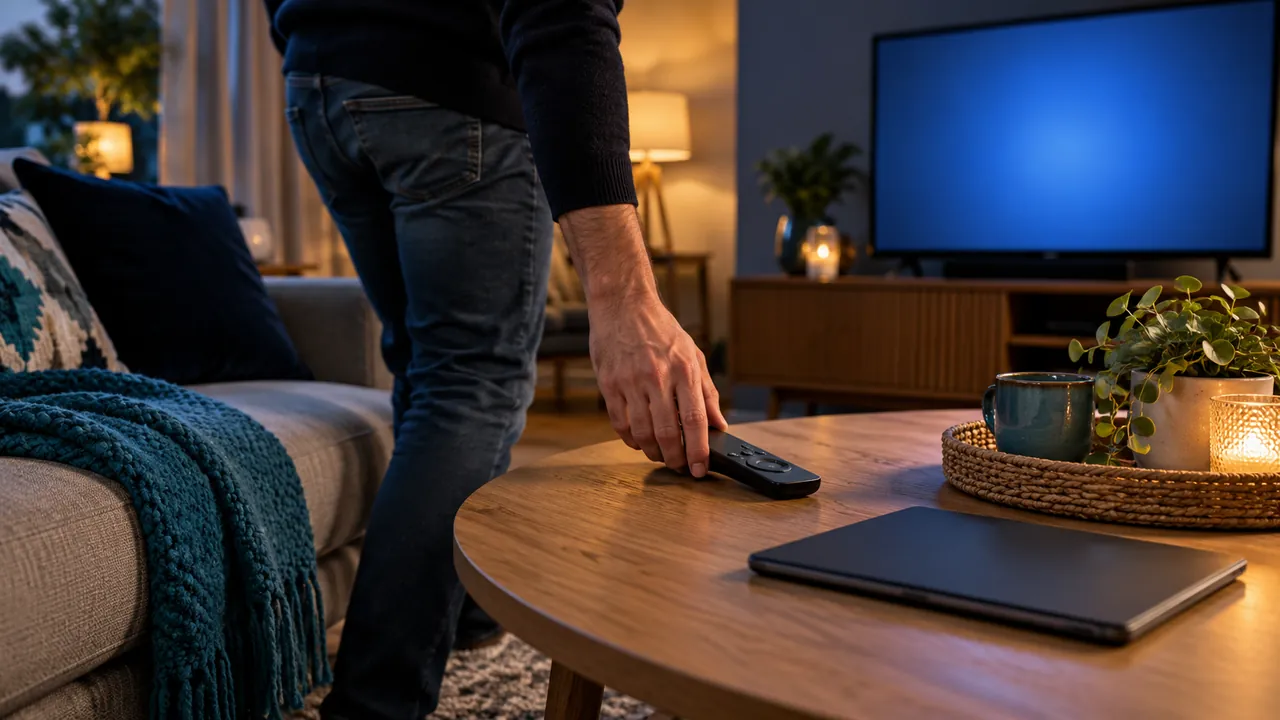
Separate the screen from the playback device
A television can turn off while a separate box, player or audio device remains active. The result depends on the equipment and its supported power-control behaviour. Do not assume that a dark screen always means the service has stopped receiving requests from the player.
Identify which device is actually opening the stream. A built-in TV app, an external box and a phone casting to the screen can follow different paths. Write down the normal viewing route before testing what happens when you leave it.
Check the player’s supported stop or exit action
Use the available playback controls and the developer’s instructions. Returning to a home screen, closing an app and pressing a stop button may not be identical actions on every platform. Test the behaviour of the version you actually have.
If another household screen needs the connection, stop the first session using the supported method and follow the provider’s guidance about when a connection becomes available again. Avoid repeated rapid sign-ins or buying extra access to work around an unexplained state.
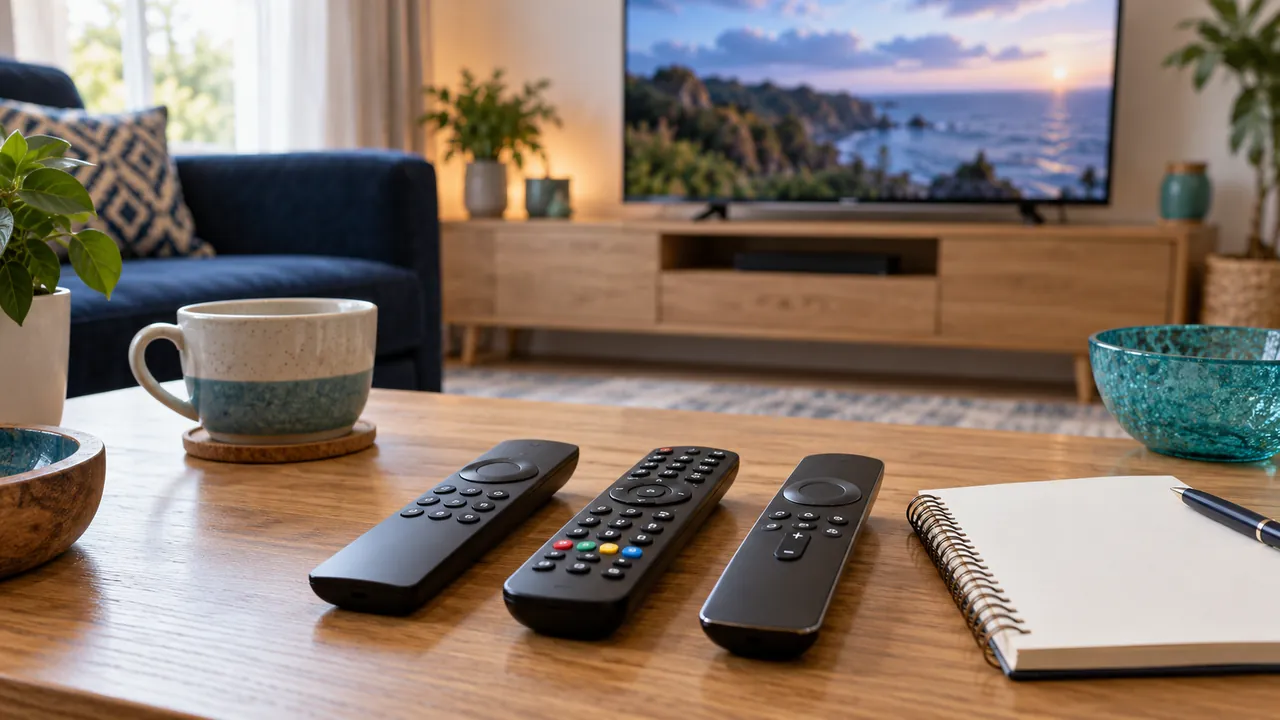
Understand the service’s connection policy
Ask whether the subscription counts simultaneous streams, signed-in devices or another measure. Being on the same home Wi-Fi does not automatically remove a service limit. A permitted device installation is also different from permission for several people to watch at once.
If an active-session view is available, use it through the verified account route. Do not share passwords with somebody offering to clear connections through an unknown website. The provider should explain how to review or revoke unexpected activity securely.
Create a repeatable household finish routine
Agree on a short sequence: stop playback, leave the player as instructed and turn off equipment using its supported controls. Confirm that another person can repeat it without needing account secrets. Update the note after a significant player or hardware change.
If a limit message persists, send the provider the time, devices and actions already tried. Keep credentials private. A clear end-of-viewing routine helps daily use, but the exact timeout and account behaviour remain matters for the actual service to confirm.
Official references
Device menus, app availability and features may change. Check the current publisher instructions for your exact device.
Frequently asked questions
Does TV standby always end the stream?+
Not necessarily. It depends on the player, device and supported power-control behaviour.
Does one Wi-Fi network mean unlimited simultaneous viewing?+
No. Network location and the subscription’s connection allowance are different matters.
Continue exploring

Let’s check your requirements
Send your device and plan questions. Availability, authorised content and the final service terms must be confirmed before payment.