
Separate room constraints from device requirements
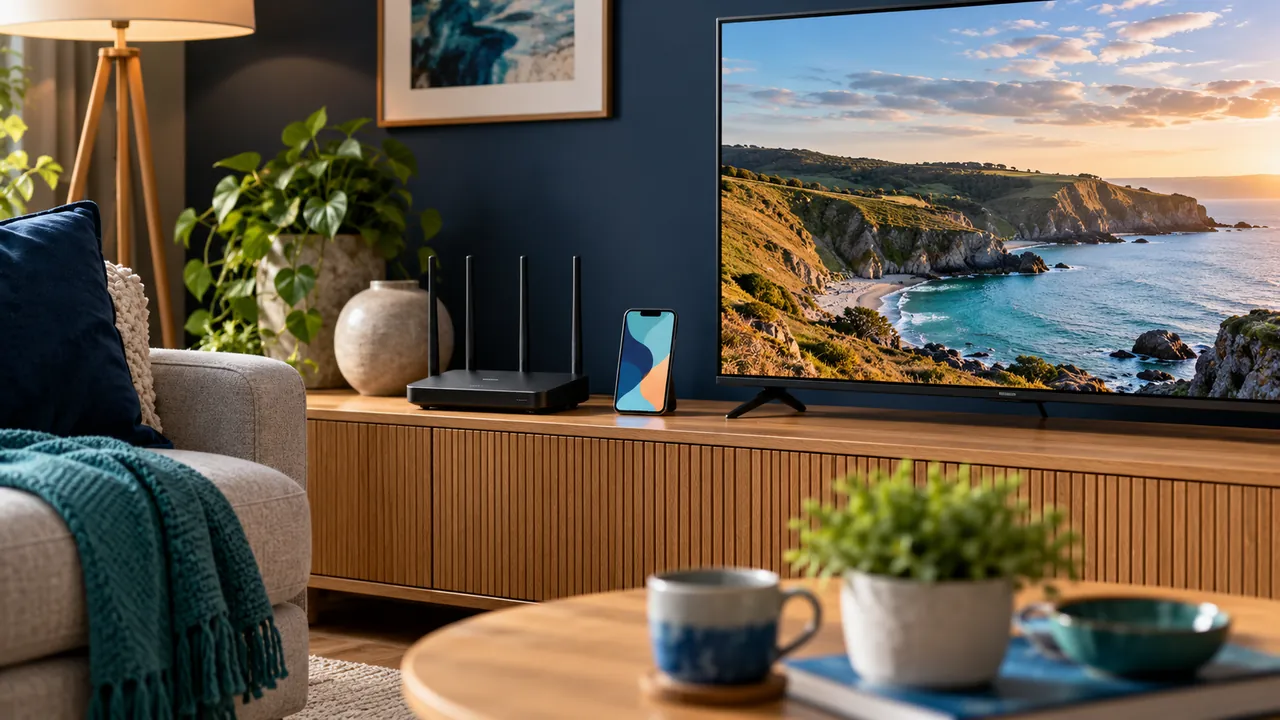
In a rented flat, the broadband entry point and existing sockets may determine where equipment can go. Sketch those fixed points before deciding where the television should sit. Think about the full route from router to viewing device, rather than assuming the nearest shelf is also the best network position.
Check the property and equipment arrangements before making permanent changes. This article is a planning checklist, not advice about a tenancy agreement or permission to drill, move wiring or alter a shared building network. Ask the relevant owner or provider when a proposed change needs approval.
Test a reversible arrangement first
A freestanding cabinet, existing sockets and removable cable organisation can make a setup easier to move later. Keep access to ports and follow the manufacturer’s ventilation guidance. Do not run temporary leads through a walkway and then treat the arrangement as finished.
Place the streaming device where you intend to keep it and test there. The room’s materials, walls and neighbouring wireless networks can affect performance. Moving equipment a small distance for a comparison is more informative than buying accessories without establishing the problem.

Understand shared-network limitations
If the flat uses a shared or guest network, ask who manages it and what it permits. Some networks prevent devices from discovering each other, which can affect casting even when normal web browsing works. Do not change somebody else’s router settings or try to bypass a restriction.
Where supported and authorised, watching directly on a device can be a separate test from casting to the television. Record which activity fails and which succeeds. This helps distinguish account access from local-network discovery.
Prepare for moving out
Keep packaging and identify which cables belong to you. Before leaving equipment behind or handing a device to another person, follow the manufacturer’s process for signing out and removing personal settings. A subscription may still be linked to an account even after a box is disconnected.
Retain a private record of player purchases and service contacts. When you move, test the new location as a new setup rather than assuming the old network result applies. Compatibility, household connection limits and permitted viewing regions still require confirmation from the service.
Official references
Device menus, app availability and features may change. Check the current publisher instructions for your exact device.
Frequently asked questions
Can I assume the building Wi-Fi supports casting?+
No. Guest networks and device-isolation settings may prevent local discovery; ask the network manager.
Should I make permanent changes before testing playback?+
A reversible trial arrangement is a useful first step. Obtain any permission needed for permanent alterations.
Continue exploring

Let’s check your requirements
Send your device and plan questions. Availability, authorised content and the final service terms must be confirmed before payment.