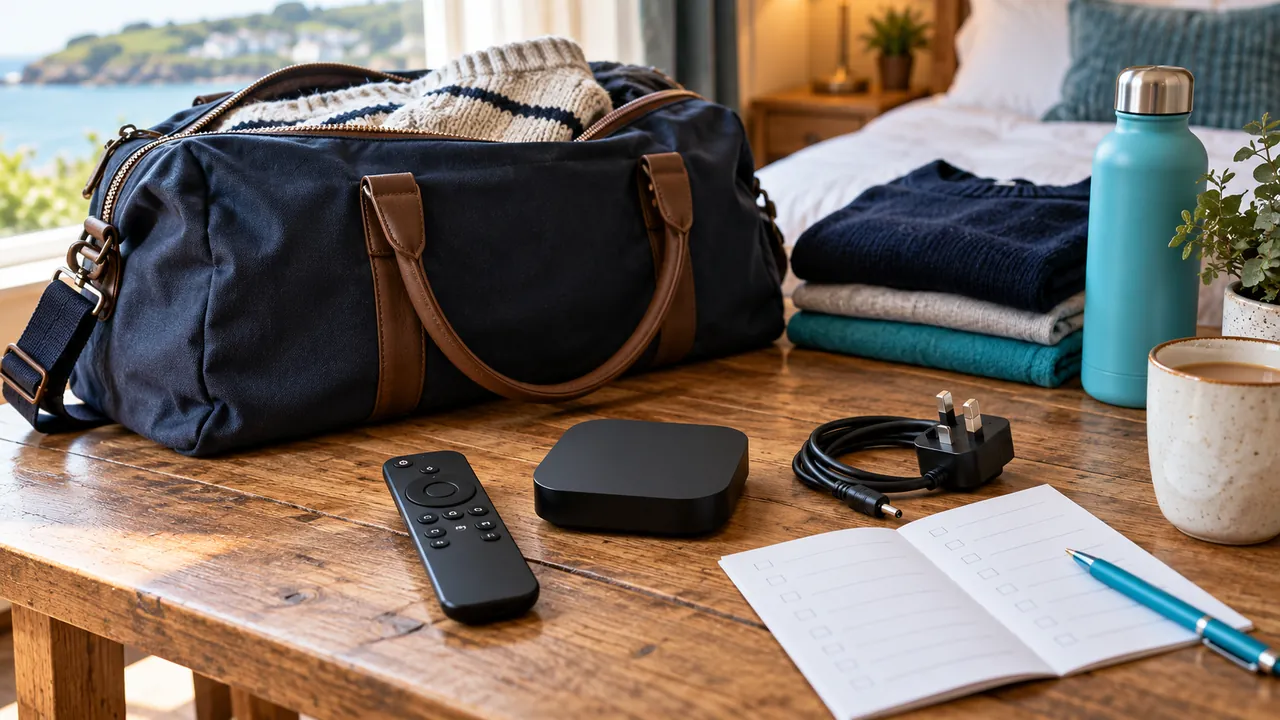
Confirm the viewing arrangement before packing
Ask the service whether the proposed temporary location is permitted and whether your connection allowance will cover it. This guide concerns trips within the UK; it does not imply that access is portable to any country or household. Rights and account conditions remain service-specific.
Check the destination’s rules for connecting personal equipment. A room with a television does not necessarily allow external inputs or additional devices. Obtain permission where needed rather than assuming you can alter the existing setup.
Ask about the network you will actually use
Guest networks can restrict local device communication or require a browser-based sign-in. Some streaming devices do not support those arrangements. Ask about the network and device requirements before relying on a casting or external-box setup.
Do not disable protections, change a router you do not manage or attempt to bypass access restrictions. If the intended arrangement is unsupported, ask about a permitted alternative or plan another authorised viewing option.
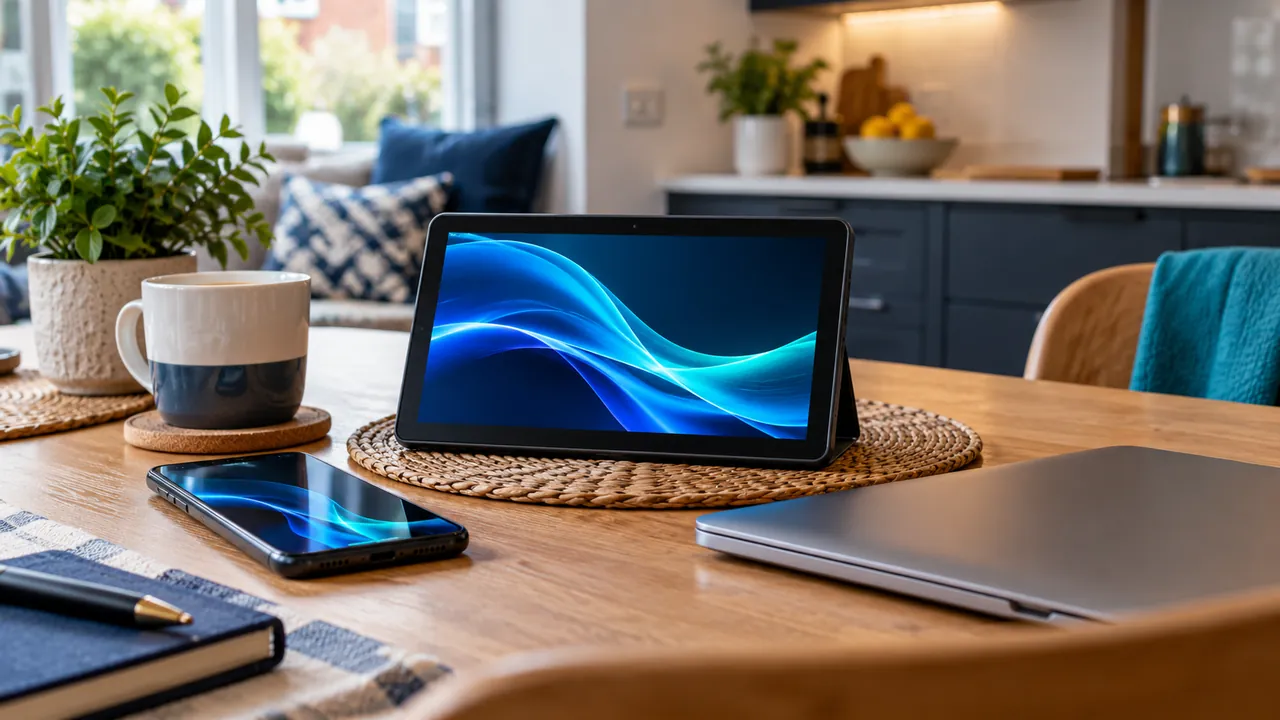
Pack a complete supported kit
List the device, remote, correct power supply and the manufacturer-supported cables or adapters it requires. Avoid assuming a spare cable or the television’s socket will power every device correctly. Keep equipment protected and follow its ventilation and electrical instructions.
Keep account recovery information available privately, without putting passwords on a visible packing list. Player licences and service access may require separate verification after a move. A successful home setup is a useful starting point, not proof that the destination will work identically.
Leave the temporary location cleanly
Stop playback and sign out of any equipment you were authorised to use, following the relevant manufacturer process. Do not leave credentials stored on a shared television. Check that your own device, remotes and leads are packed before leaving.
Back at home, restore the intended network and test the normal setup. If a connection-limit problem appears, tell the provider which devices were used and when. A careful travel routine protects the account as well as preventing avoidable missing-cable problems.
Official references
Device menus, app availability and features may change. Check the current publisher instructions for your exact device.
Frequently asked questions
Does this guide promise streaming outside the UK?+
No. Any permitted region must be confirmed with the authorised service.
Will a hotel Wi-Fi sign-in page work with every box?+
No. Check the exact device’s network requirements before travel.
Continue exploring

Let’s check your requirements
Send your device and plan questions. Availability, authorised content and the final service terms must be confirmed before payment.