
Start with a compatibility check
Provide your device model, software version, available app store and the screen on which you plan to watch. The team can use these details to discuss suitable options before you buy a subscription or additional hardware. App availability must be checked for your own device and region.
Understand what setup assistance covers
Installation guidance can help you locate a supported player, enter authorised account details and test navigation. It cannot create access to content your plan does not include, remove a manufacturer limitation or guarantee the performance of your broadband. Confirm any assistance fee or included support before ordering.
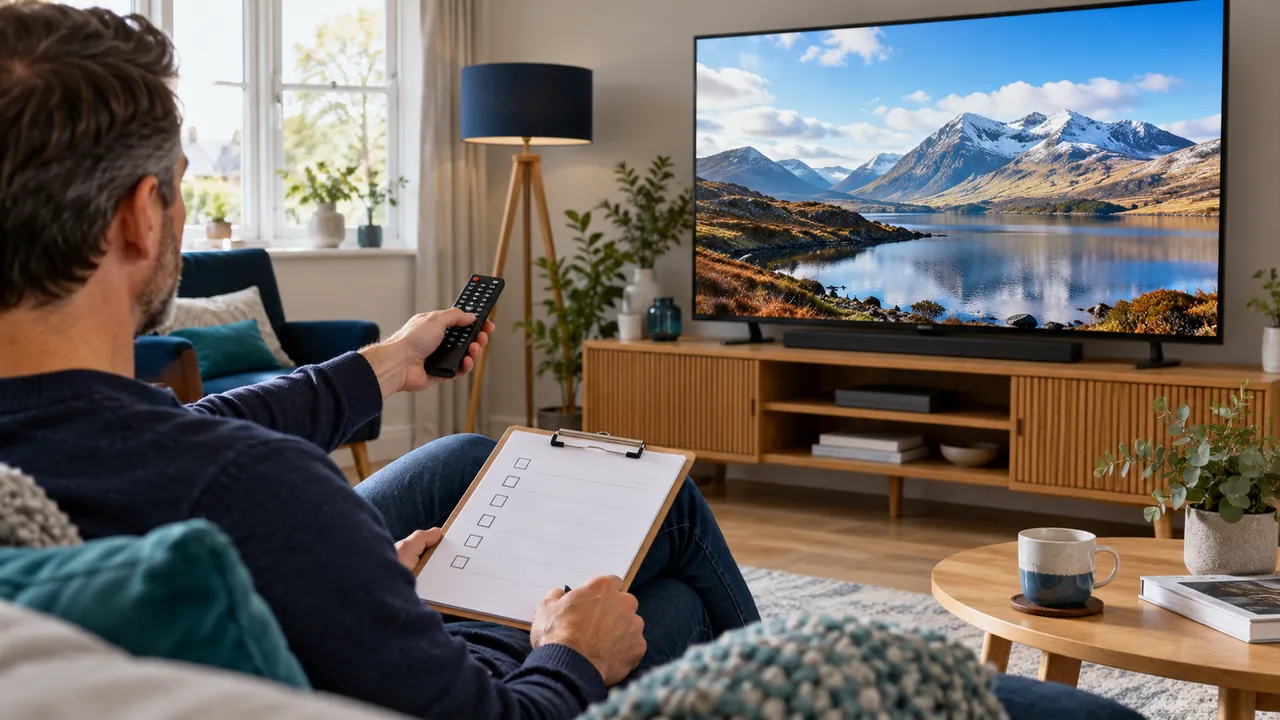
Finish with a practical viewing test
Check picture, sound, subtitles if available and programme-guide behaviour. Record the account end date and the correct support route, then store setup details privately. If you need help again, send the player and device information rather than sharing your password in an open message.
Frequently asked questions
Do I need to give someone remote access to my device?+
Do not grant remote access casually. Start with written instructions and verify any proposed support process first.
Can setup help make an unsupported television compatible?+
Not always. A suitable external device may be an option, but confirm hardware and app support before buying.
Continue exploring
Let’s check your requirements
Send your device and plan questions. Availability, authorised content and the final service terms must be confirmed before payment.