
Identify the pattern before changing settings
Note whether pauses affect every stream or just one, happen at specific times, or appear only on one device. Compare another authorised source and another device if available. Changing multiple settings at once makes it difficult to identify what helped.
Test the home network in a controlled way
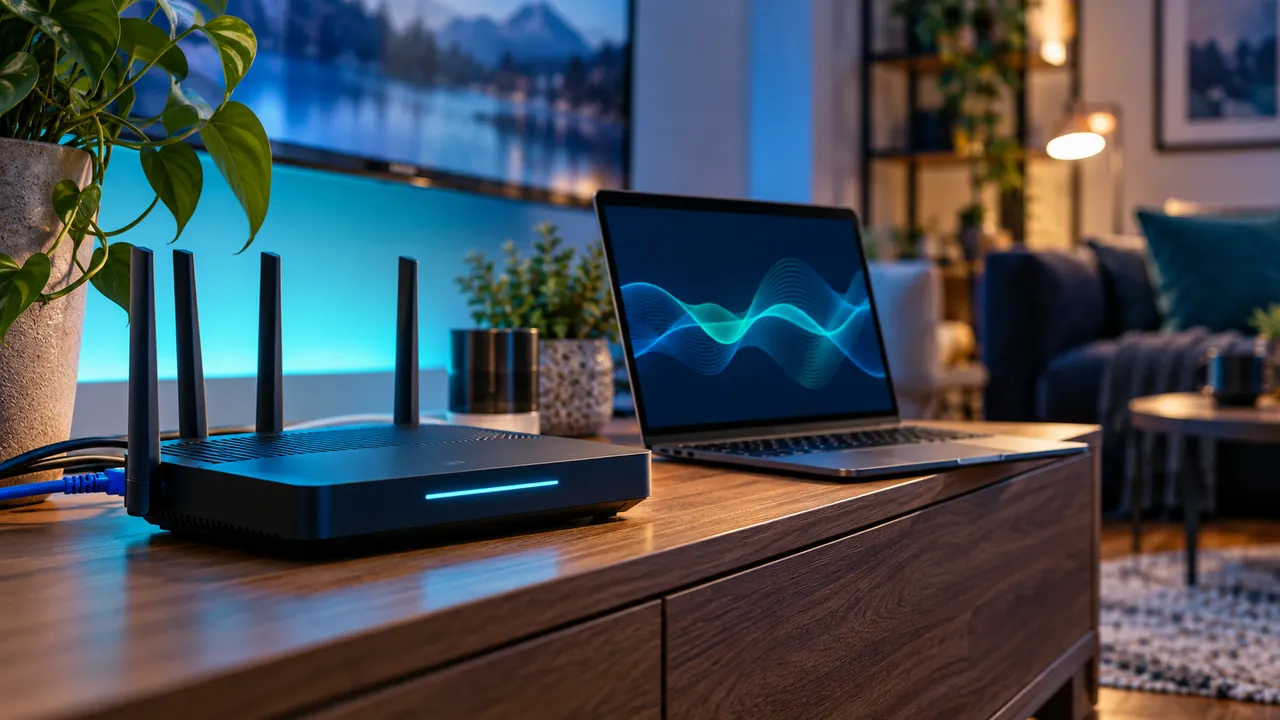
Stop large downloads temporarily and compare playback near the router or over compatible Ethernet. A phone speed test elsewhere in the house may not represent the TV connection. If problems occur only over wireless, investigate distance and interference before upgrading your broadband plan.
Separate a source problem from a device problem
If one programme fails across otherwise working devices, report the source and time to the provider. If only one device struggles, check software updates, storage and supported decoding formats. No service can guarantee uninterrupted playback under every network and source condition.
Frequently asked questions
Will a faster plan always solve buffering?+
No. The problem may be local interference, an unsupported format, device load or the source itself.
Should I install a VPN as the first fix?+
Start by identifying the cause. Do not add services or attempt to bypass geographic or access restrictions as a generic fix.
Continue exploring

Let’s check your requirements
Send your device and plan questions. Availability, authorised content and the final service terms must be confirmed before payment.